
Yes — all of these are truly free. No Google Pro plan required.
Over the last few months, Google has been quietly dropping some of the most powerful free AI tools on the internet.
Tools that can build apps, generate videos, redesign presentations, create marketing campaigns, and even produce studio-quality voiceovers — all without paying a single dollar.
I know this because I’m using Gemini free tier myself.
See that “Upgrade” button at the top-right? Yep, I’m still on the free plan.
And everything in this article works without subscribing to Google AI Pro.
Let’s get into the 7 tools that everyone should be using but almost nobody knows about.
1. Opal — Build Apps Using Only English
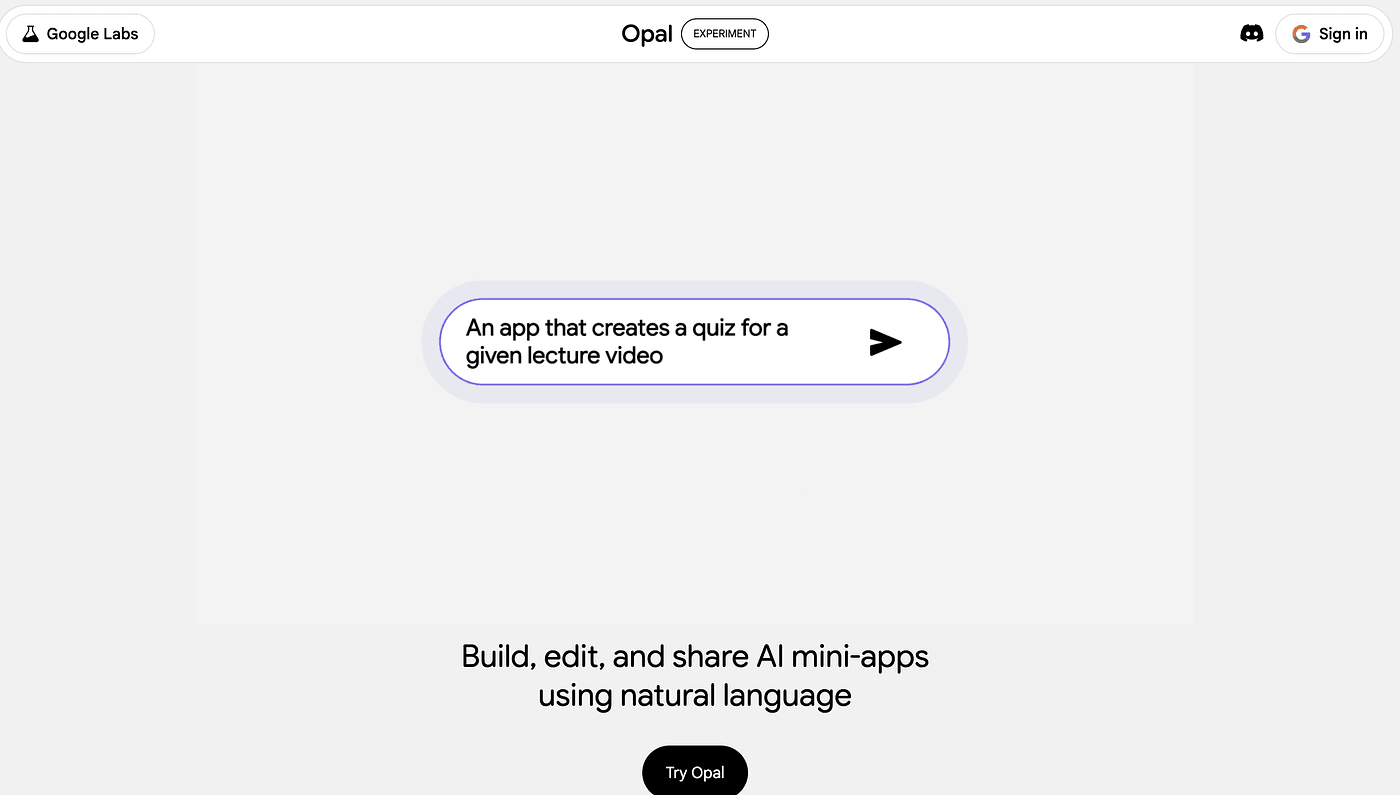
Opal might be the most magical thing Google has shipped this year.
You type what you want to build —
“Create a meal-prep app for 2 people with pescatarian options” —
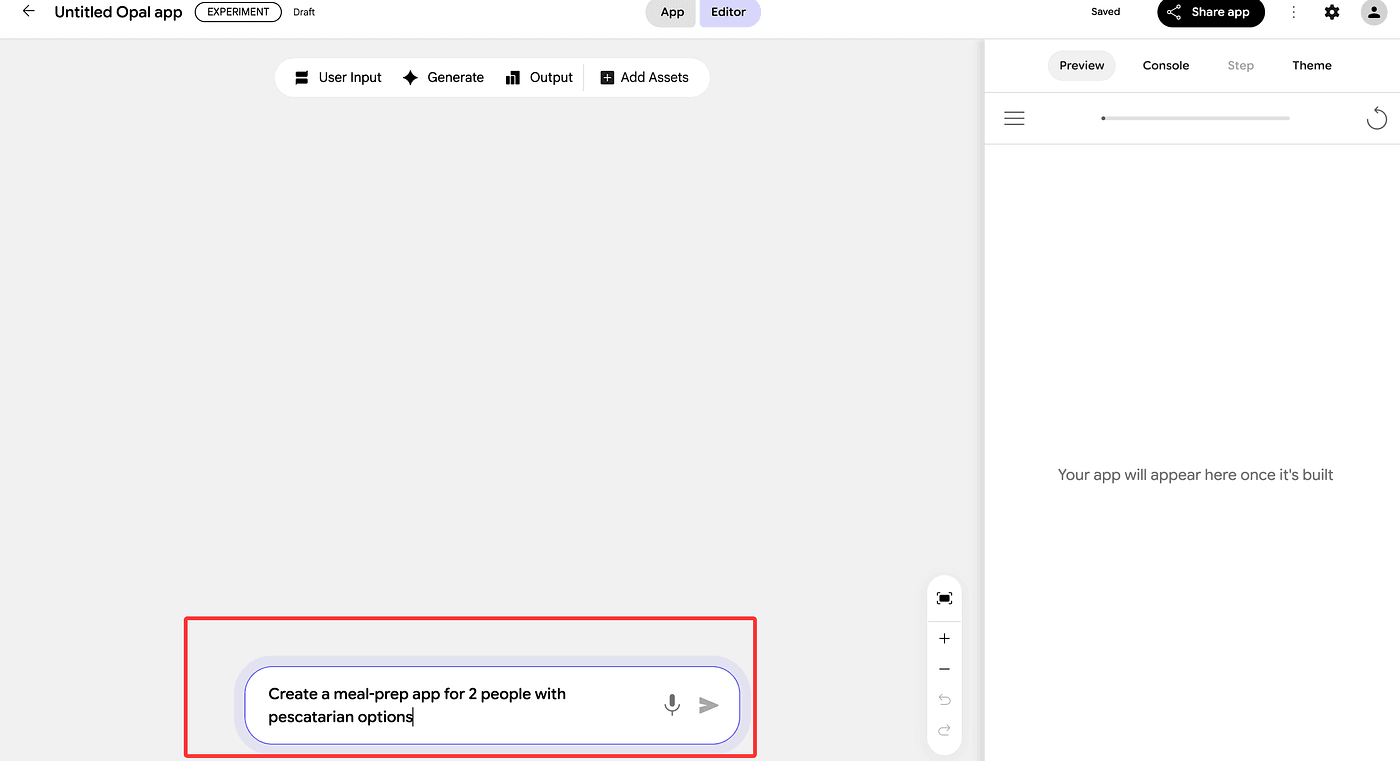
and Opal generates the entire workflow automatically:
- UI inputs
- AI reasoning steps
- The exact prompts used
- The model selection (Gemini / Nano Banana / Video)
- The final output
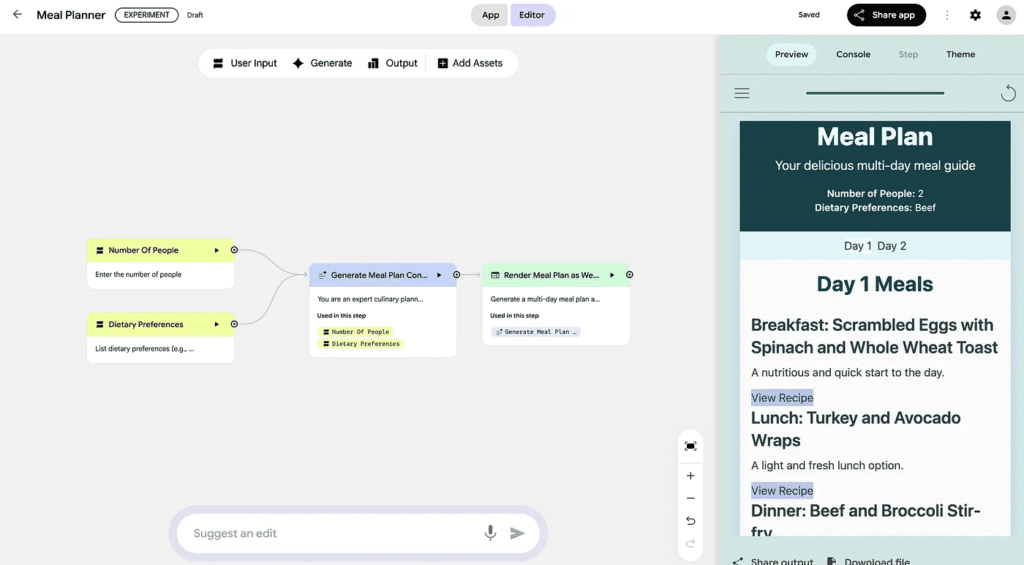
It works like a visual AI pipeline, except you never touch code unless you want to.
You can even share the finished app with one click.
Book recommenders, playlist generators, blog writers, calendar assistants — the templates are already there.
If you want “AI apps without coding,” Opal is your new playground.
2. Google AI Studio — Build Real Apps You Can Deploy
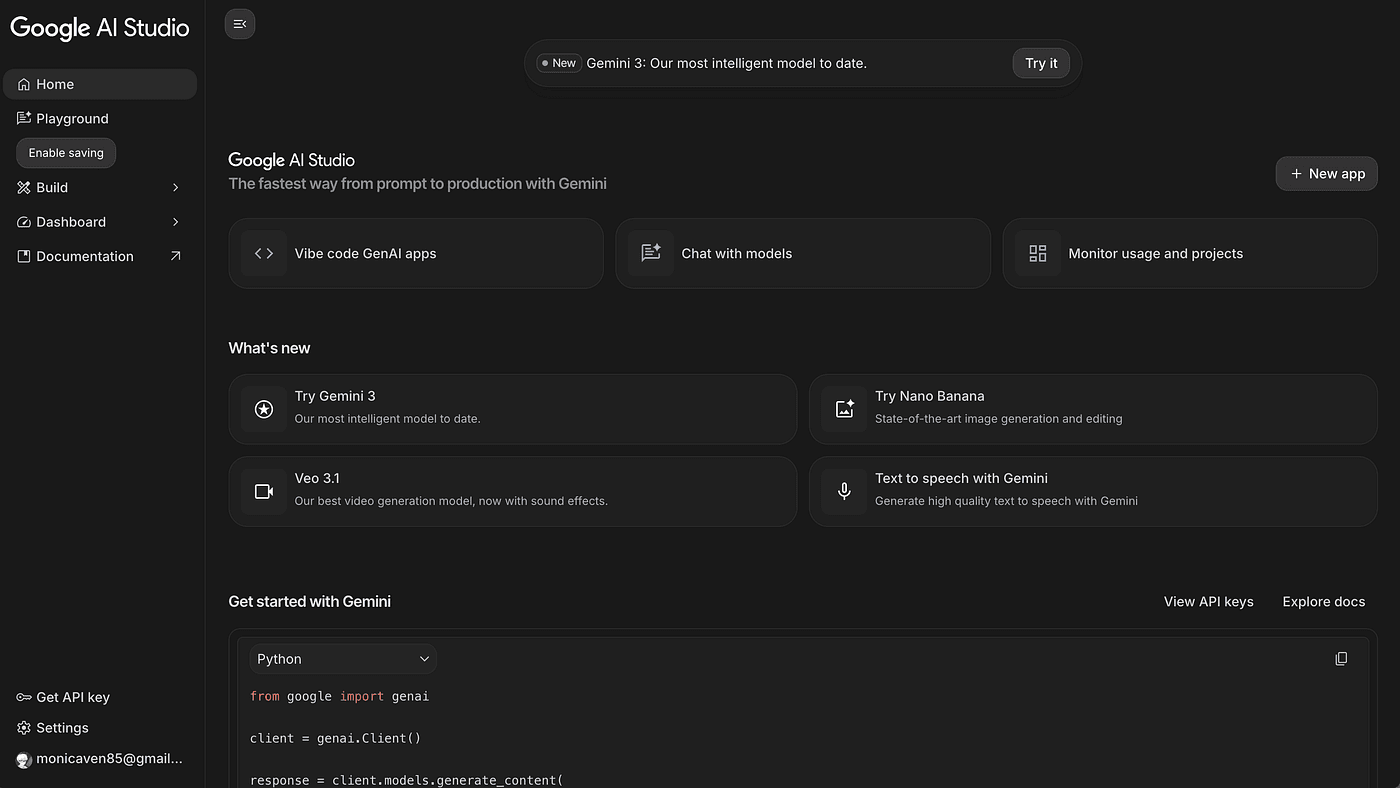
If Opal is for fun projects, AI Studio is for serious ones.
Google recently added a feature that lets you build full applications using “vibe coding” — just describe the behavior, and it scaffolds everything.
Example?
I generated a voice-based fitness coach in seconds.
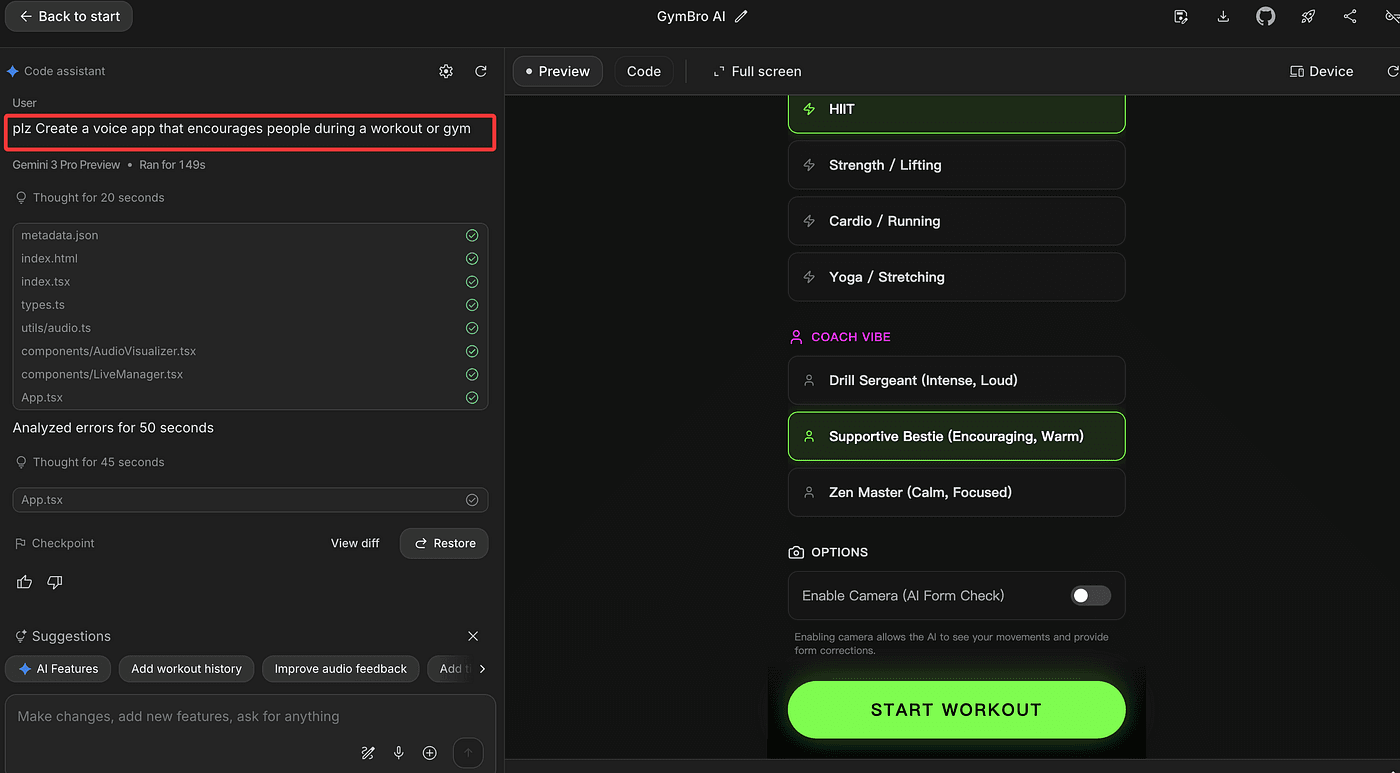
Not perfect, but it worked. And the key part?
You can deploy your app directly to Google Cloud, making it actually monetizable.
For hobby apps → Opal.
For real, shippable apps → AI Studio.
3. NotebookLM — Your AI Research Assistant, Now With AI Video
NotebookLM has quietly become one of Google’s most powerful tools — especially if you do any kind of learning, planning, or research.
You can:
- Add websites, PDFs, and YouTube videos
- Ask questions across all your sources
- Apply custom instructions to each notebook
- Generate audio summaries
- And now… AI-generated explainer videos
Yes — it turns your research into a narrated video.
Here’s a real example:
I recently created a Python learning plan for my kids — videos, docs, beginner exercises, everything.
I dropped all of it into NotebookLM, set a custom instruction like:
“Explain concepts simply, using kid-friendly analogies. Prioritize basic Python topics first.”
Then I clicked “Generate Video.”
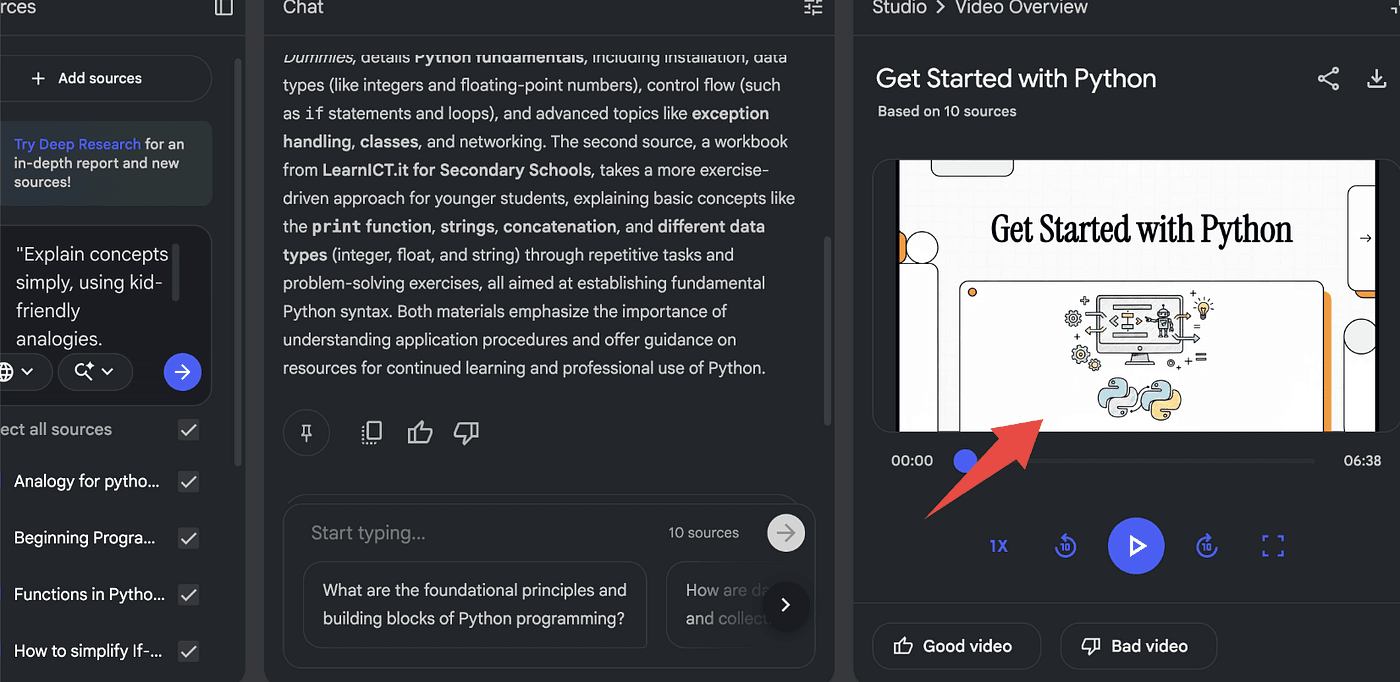
In less than two minutes, NotebookLM produced a friendly, animated explainer that walked through variables, loops, and simple projects — in a tone perfect for kids.
No editing.
No scripting.
No filming.
Just instant, personalized learning content.
If you study, teach, plan trips, or organize research, NotebookLM is easily one of the best free tools Google has ever shipped.
4. Gemini Canvas — Turn Boring Docs Into Gorgeous Slides
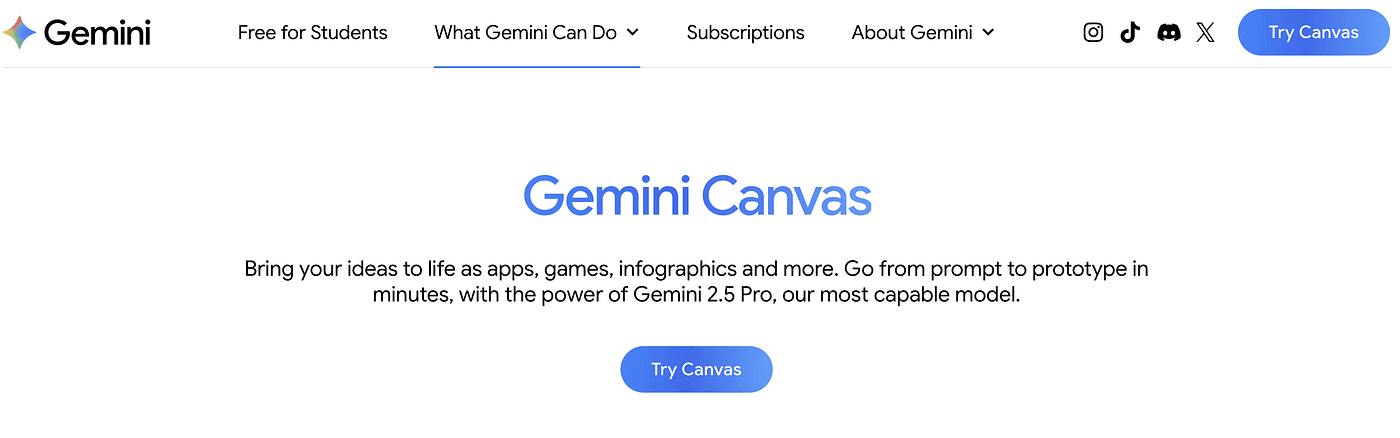
Inside Gemini, go to: Tools → Canvas
Upload a plain document — even a dry business plan — and tell it:
“Turn this into a presentation.”
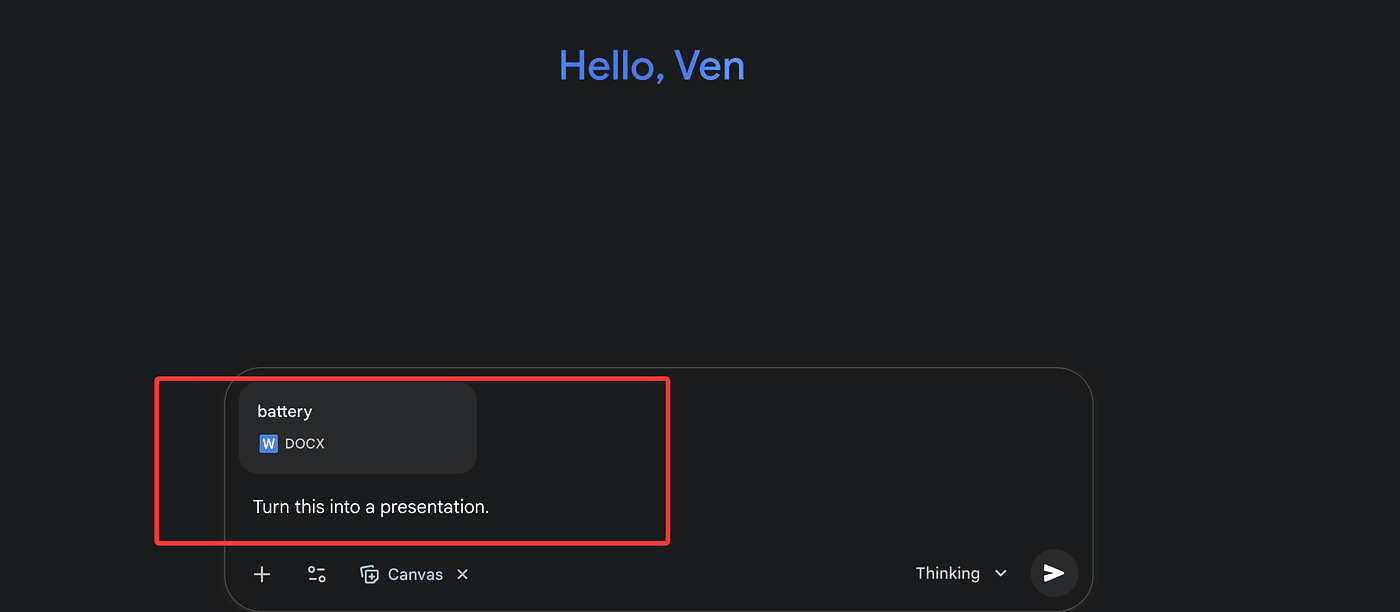
Gemini breaks down the content, designs the layout, chooses images, and builds your entire slide deck automatically.
Then you click Export to Google Slides and you’re done.
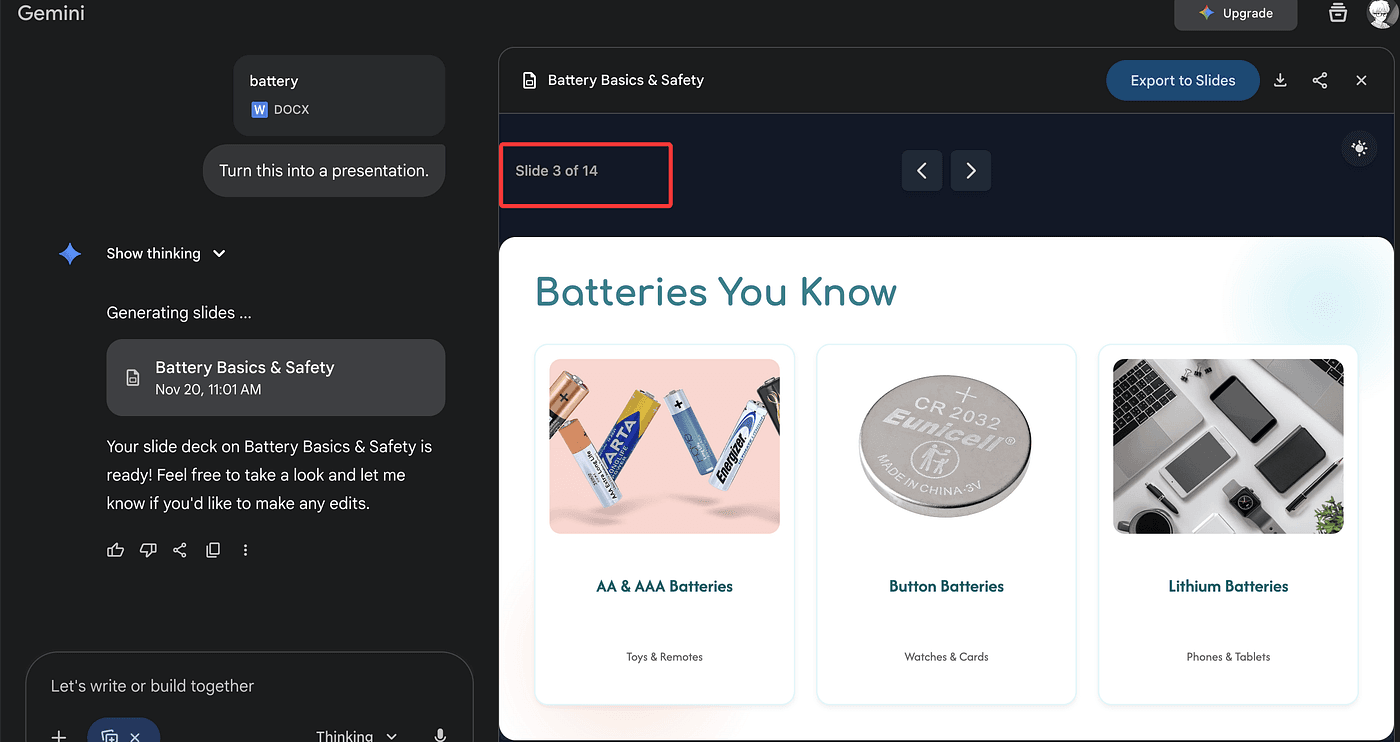
This is the easiest free presentation generator on the internet. Period.
Gemini also added something new:
Custom Instructions
You can tell Gemini:
- “Speak concisely.”
- “Avoid dashes.”
- “Talk like a cowboy.”
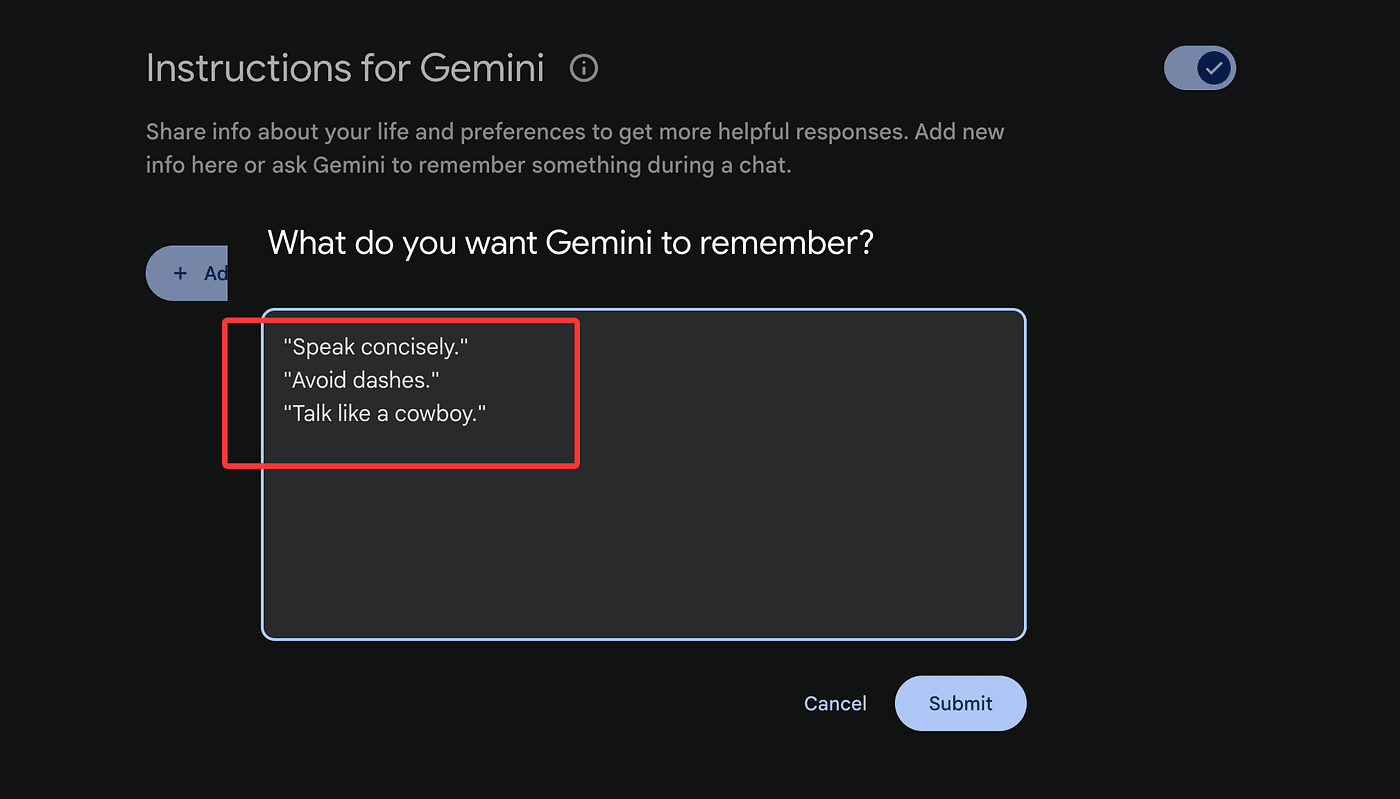
…and it will always remember.
This is how you turn Gemini into your personalized AI.
5. YouTube AI Summaries — See the Video Before You Watch It
Under most YouTube videos you’ll now see a Google AI summary:
- What the video covers
- Key sections
- Quick takeaways

It’s tiny, but incredibly helpful when deciding whether a long video is worth 20 minutes of your life.
Also: yes, the new like-button animation is dangerously satisfying.
6. Pamelli — Your Free Brand-Aware Marketing Generator
Google Labs
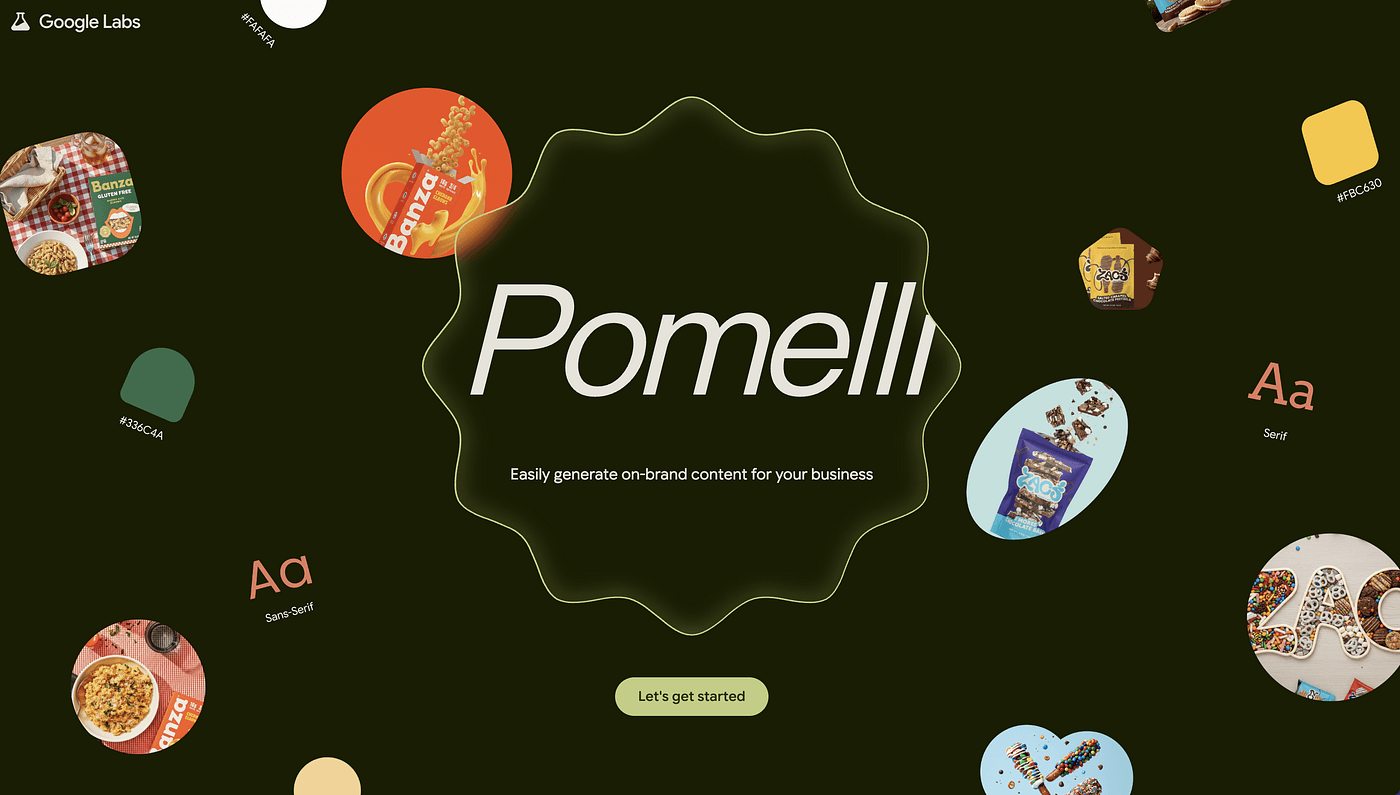
Pamelli scans your website and extracts:
- Brand colors
- Fonts
- Tone
- Company name
- Imagery
Then it generates on-brand marketing campaigns:
- Social media posts
- Promo graphics
- Course launch materials
- Short marketing statements
It’s not perfect, but the output looks surprisingly professional — and takes about 20 seconds.
If you run a small business or personal brand and need quick visuals, this tool saves hours.
You can read my test article about Pomelli .
7. Google TTS — The Free Studio-Quality Voice AI
Inside AI Studio → Audio
Google’s new text-to-speech model is shockingly good — and absolutely free.
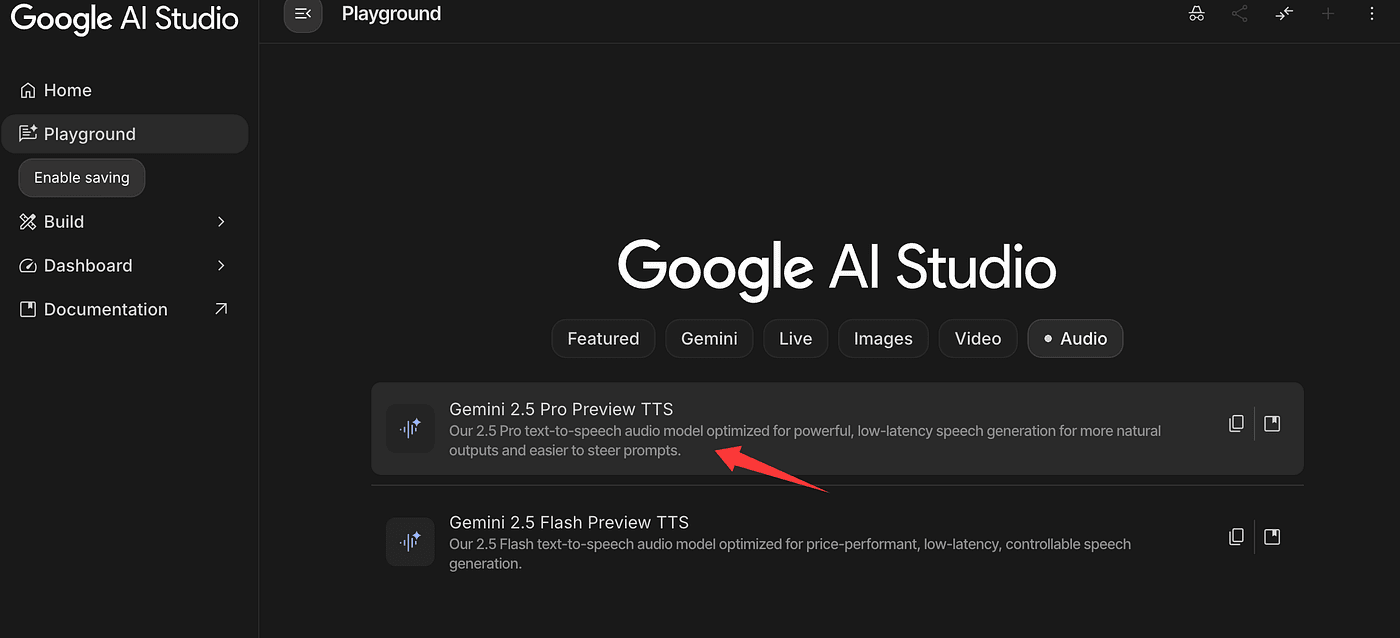
You can:
- Create multi-speaker dialogues
- Customize voices
- Adjust tone
- Generate long scripts
- Download the audio
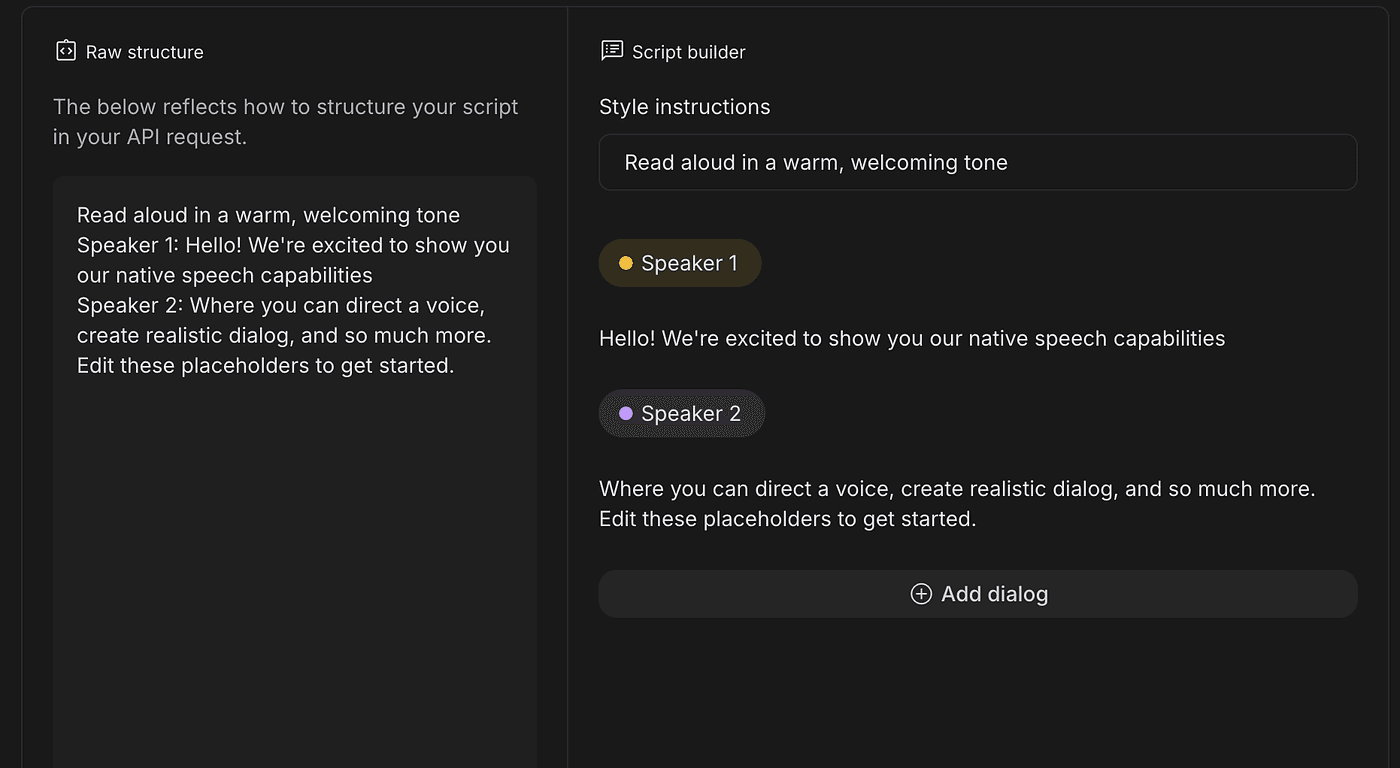
Other platforms charge $20–$60/month for results that sound worse.
Google is giving it away for free.
Final Thoughts — Google Is Quietly Winning AI (For Free)
Every one of these tools costs $0, works on the free tier, and replaces something people normally pay for.
App builders.
Research assistants.
Slideshow designers.
Voice labs.
Brand designers.
Video summarizers.
If you haven’t tried them yet, start with Opal and NotebookLM.
Those two alone will change your workflow instantly.