
A complete beginner-friendly guide to creating AI songs, images, and looping videos.
You ever get that itch —
“I want to make an AI music video… but why does every tool cost a kidney?”
Yeah. Same.
Most tutorials assume you have $300 to burn on fancy AI editors.
But over the past few weeks, I went down the rabbit hole of free tools only — and found a way to create AI-generated music videos without spending a single cent.
And here’s the part people still underestimate:
There is money in AI music.
Look at @VIATMOS.
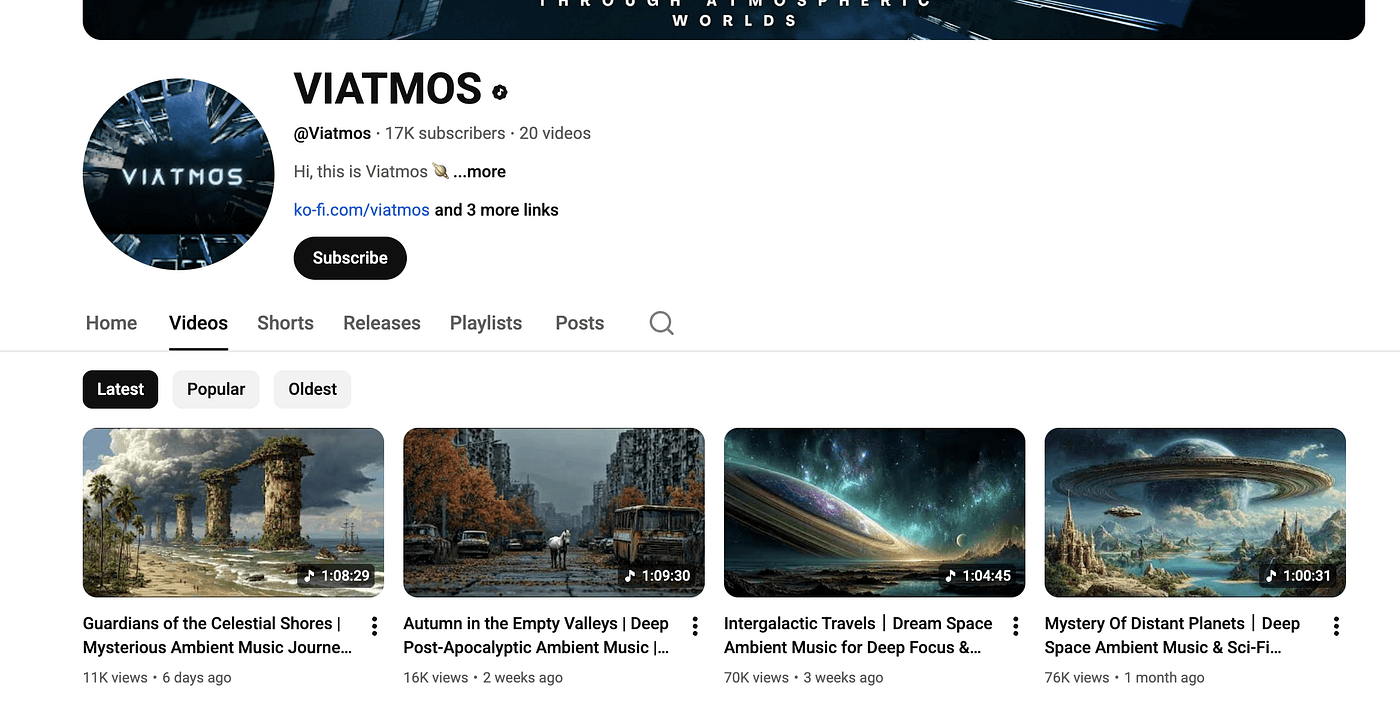
This creator started posting AI music just three months ago.
Only 20 videos. Already 17k subscribers.
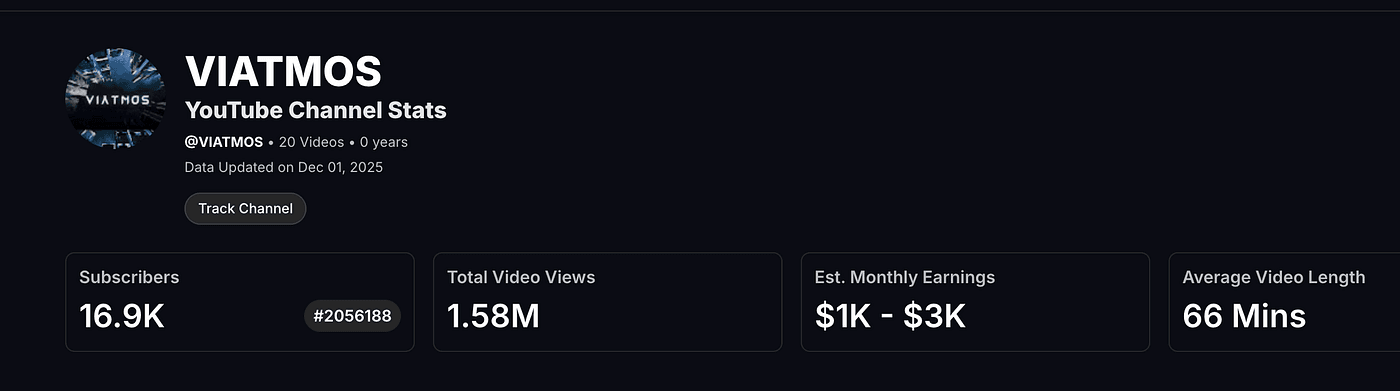
I checked with vidiq — this channel is pulling in $1k–$3k per month, and the numbers keep climbing.
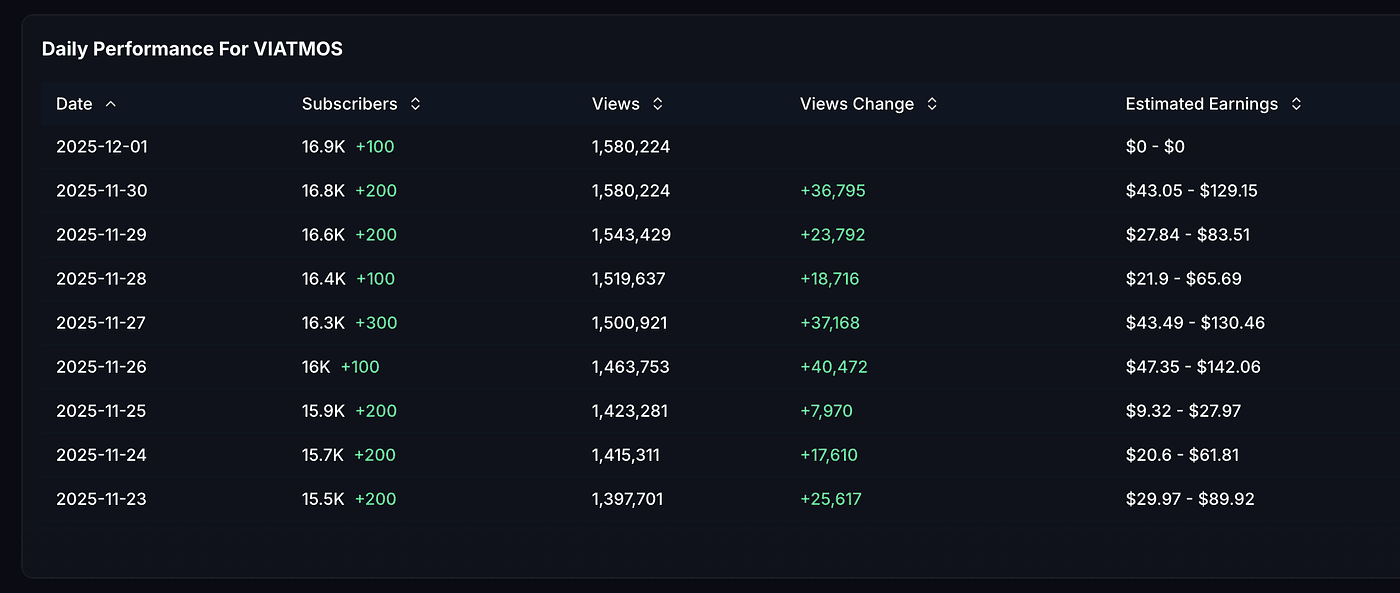
So yes — AI music is exploding.
And now you can do it too.
No guarantees, of course. The internet is not a magic ATM.
But I can show you exactly how music is created, how people are monetizing it, and how you can start today.
Let’s begin.
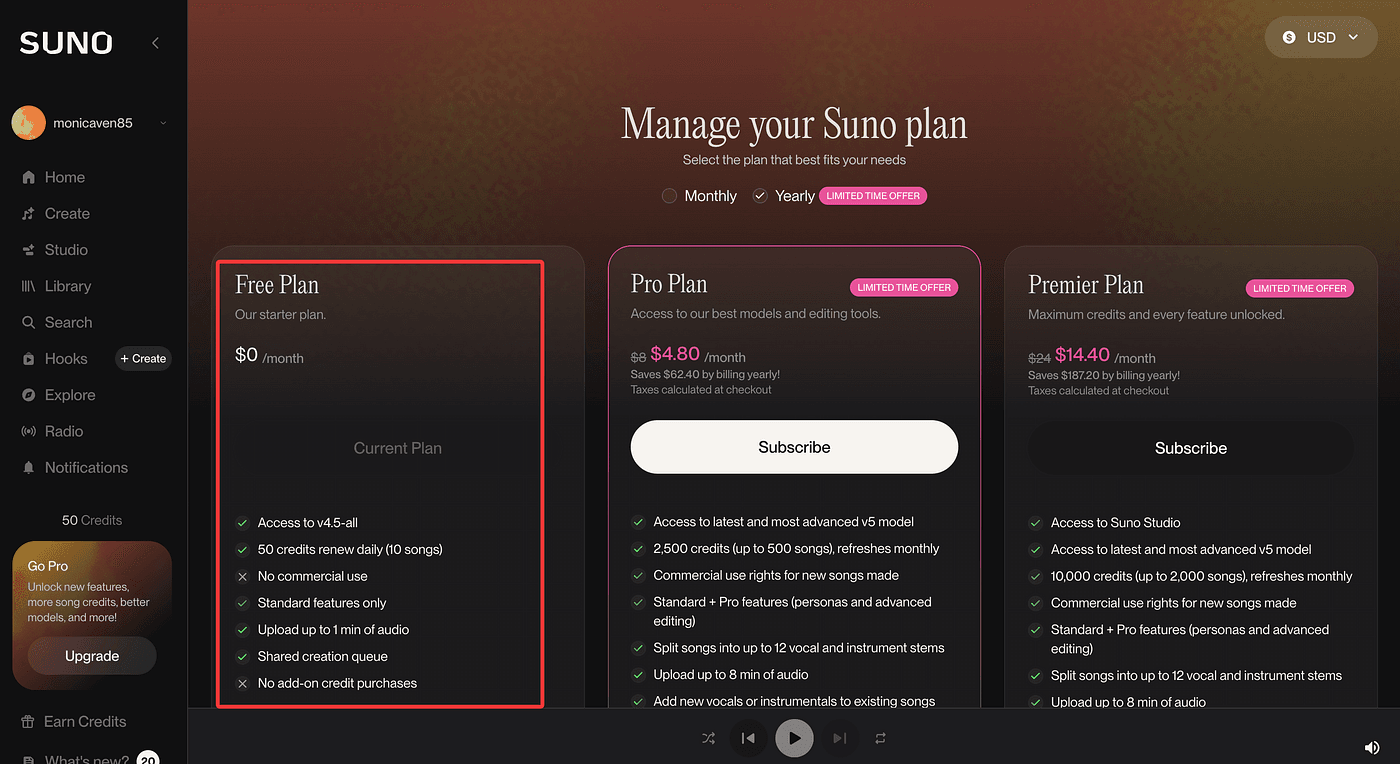
1. Create Your Song (For Free)
The magic here is a tool called SUNO.
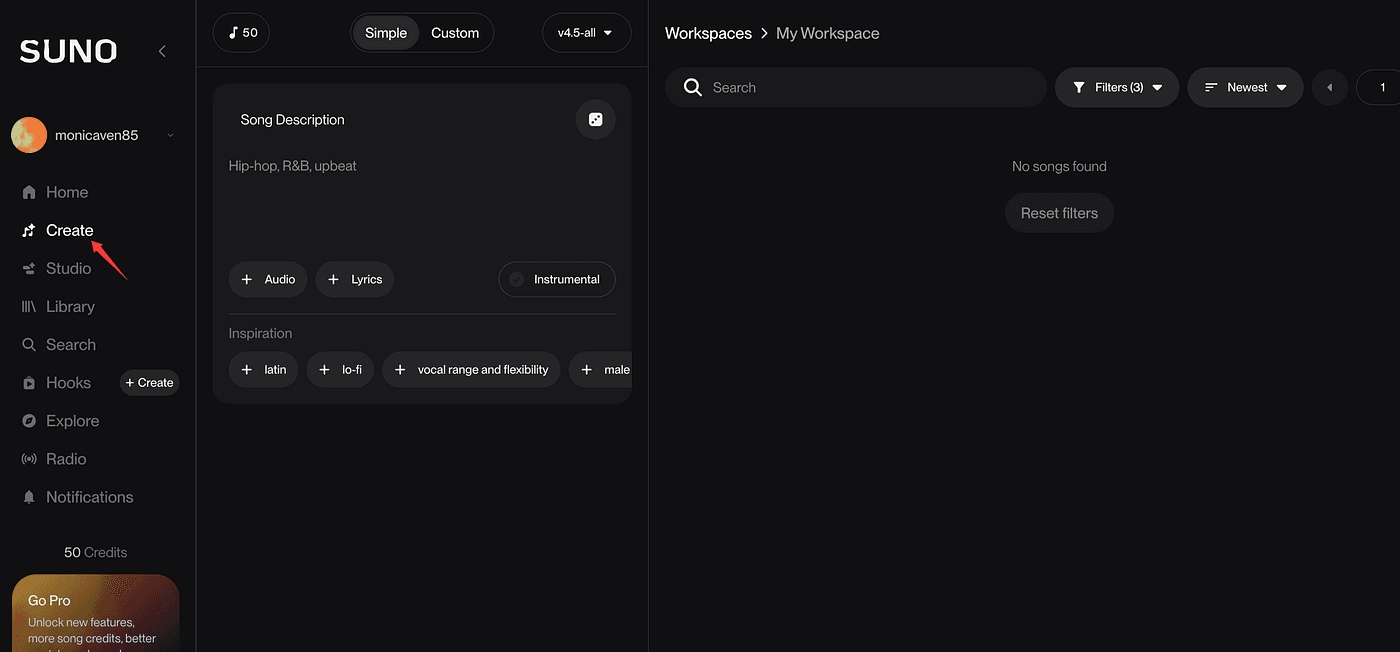
Click “Create.”
And before you type something basic like “make me a pop song”, please — don’t.
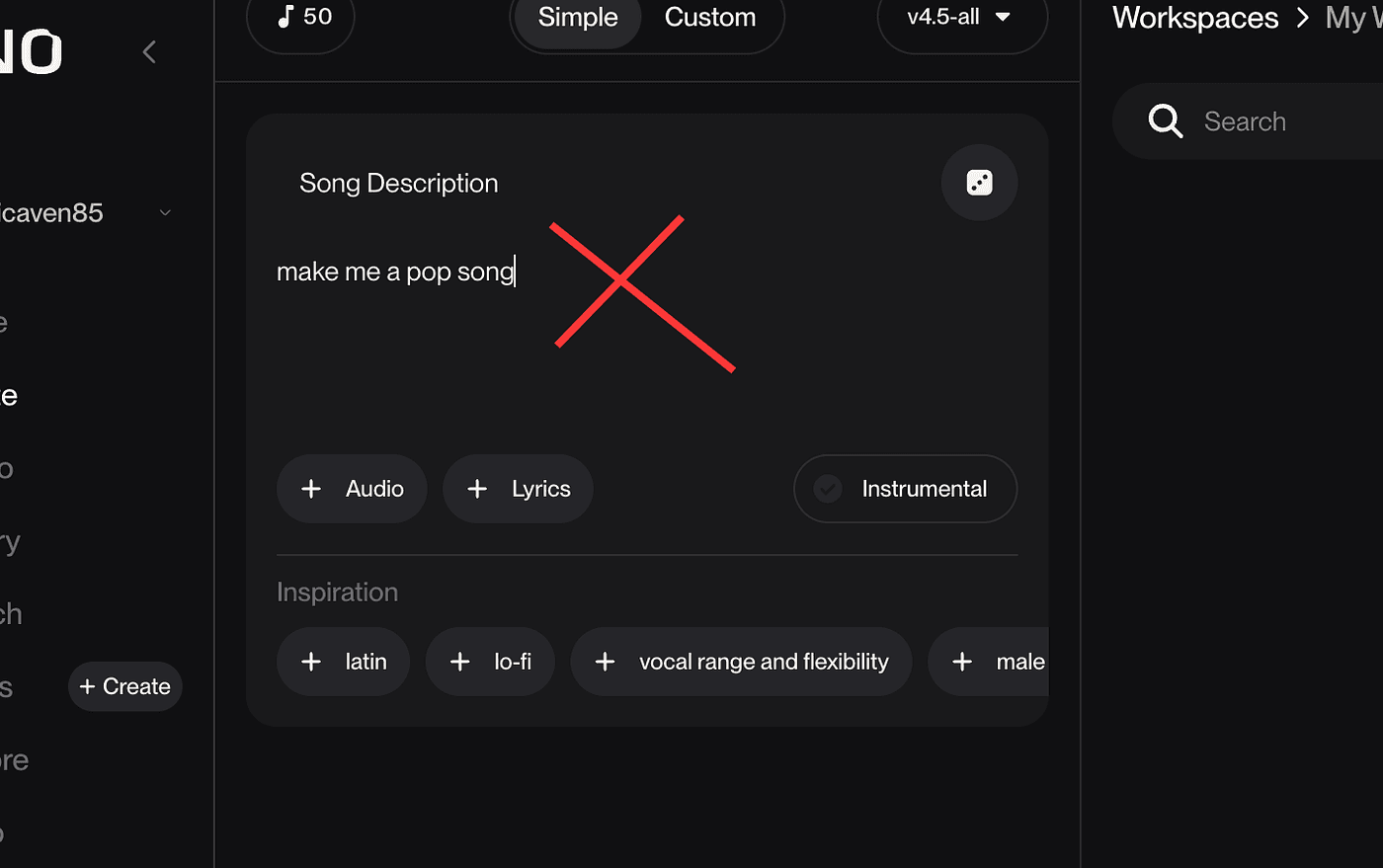
AI is powerful, not psychic.
You must write a specific prompt.
Here’s mine:
A lonely late-night pop song sung by a middle-aged programmer.
Mood: quiet, isolated, emotional but still trying to climb upward.
Scene: 2AM, keyboard clicks, cold coffee, empty room.
Style: soft pop + indie, slow tempo, minimal instruments.
Themes: loneliness, struggle, silent persistence while coding in the dark.
SUNO generated four versions of the song.
I can’t share them here, but trust me — they were shockingly accurate.
It captured everything in my head: that quiet 2AM moment, typing code, sipping cold coffee, half tired, half hopeful.
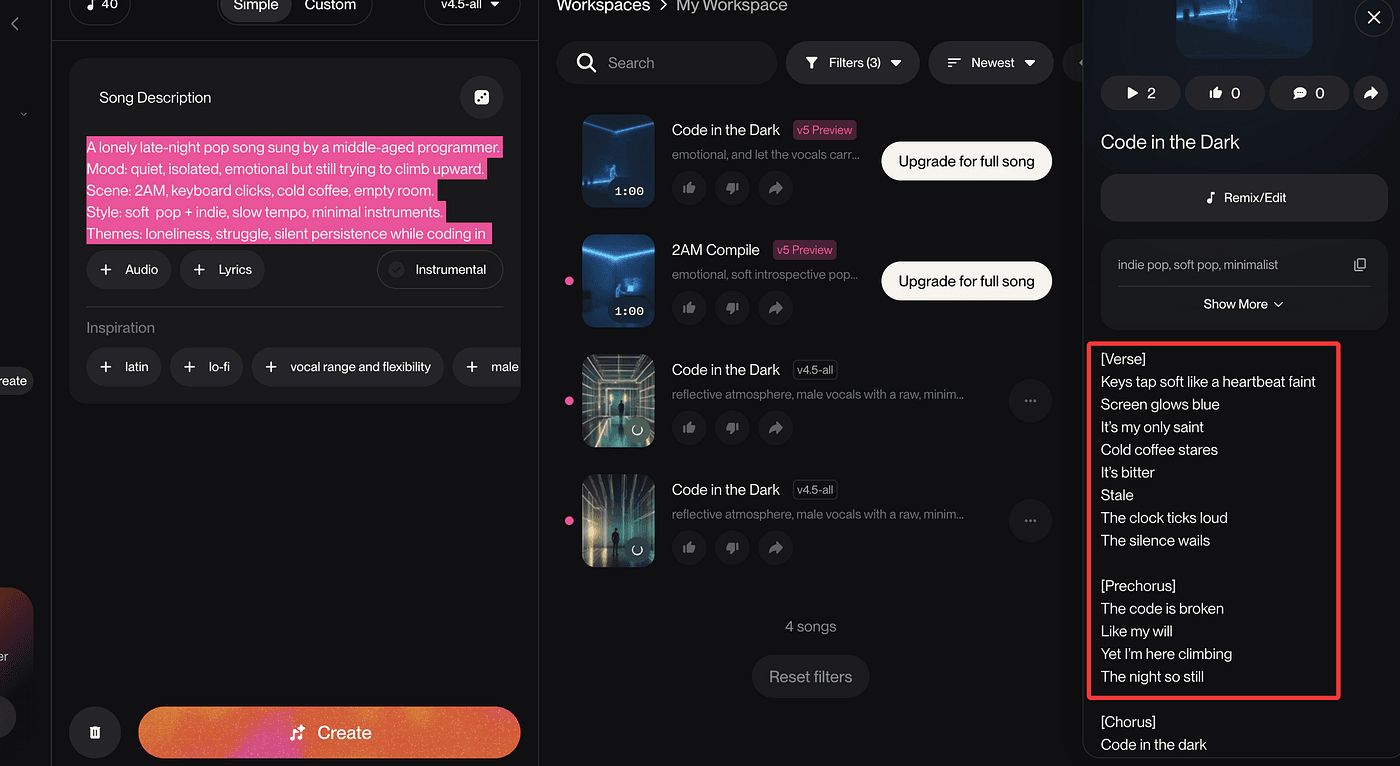
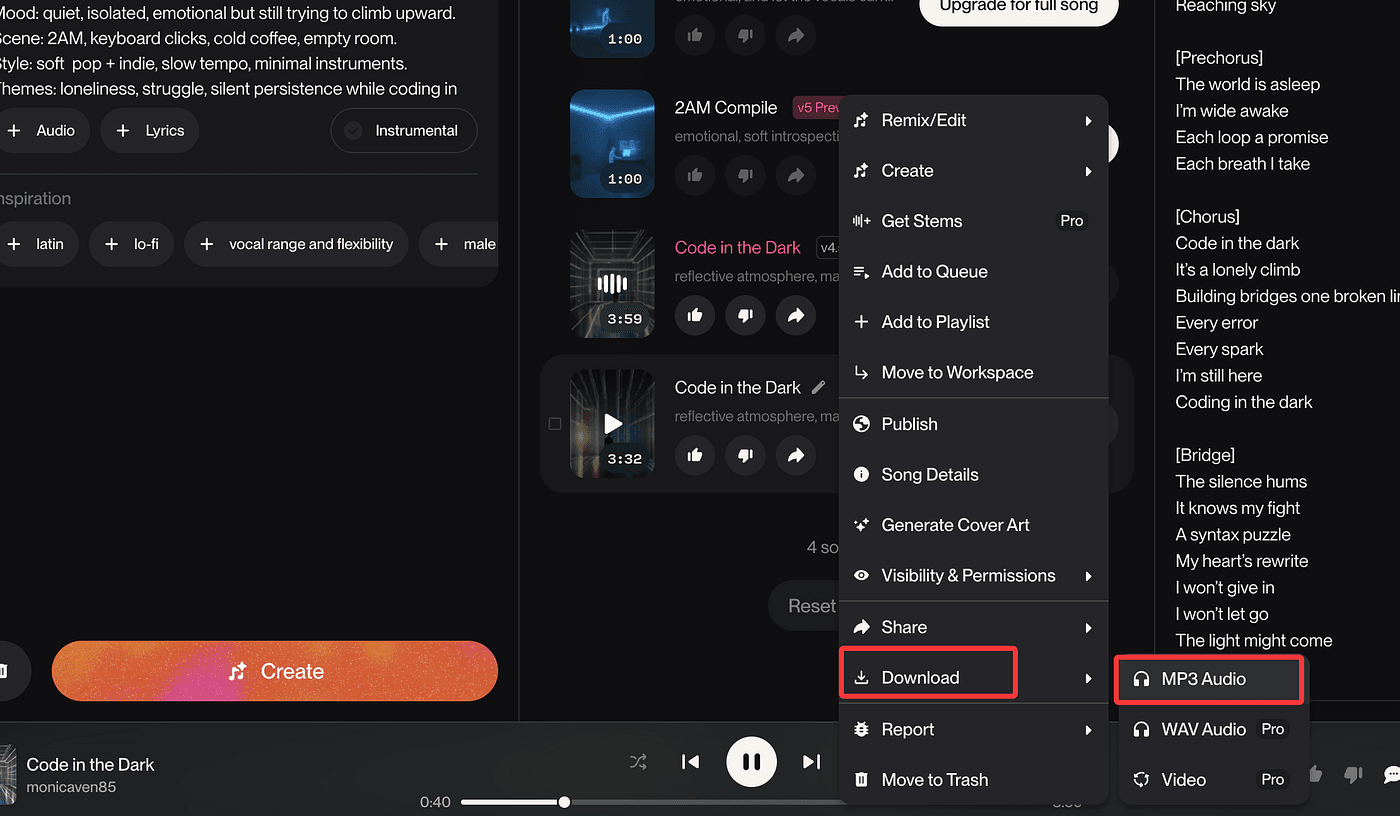
You can now see all your generated tracks.
Don’t like the ending?
Just open the editor, select the part you want to adjust, and regenerate.
Then download your song as mp3.
Done.
2. Create Your Images
Now we need a background image.
Aesthetic. Cinematic. Free.
If you have paid generators like MidJourney, use them.
But if not — great.
We’re sticking to free tools anyway.
My current favorite: Nano Banana inside Google AI Studio.
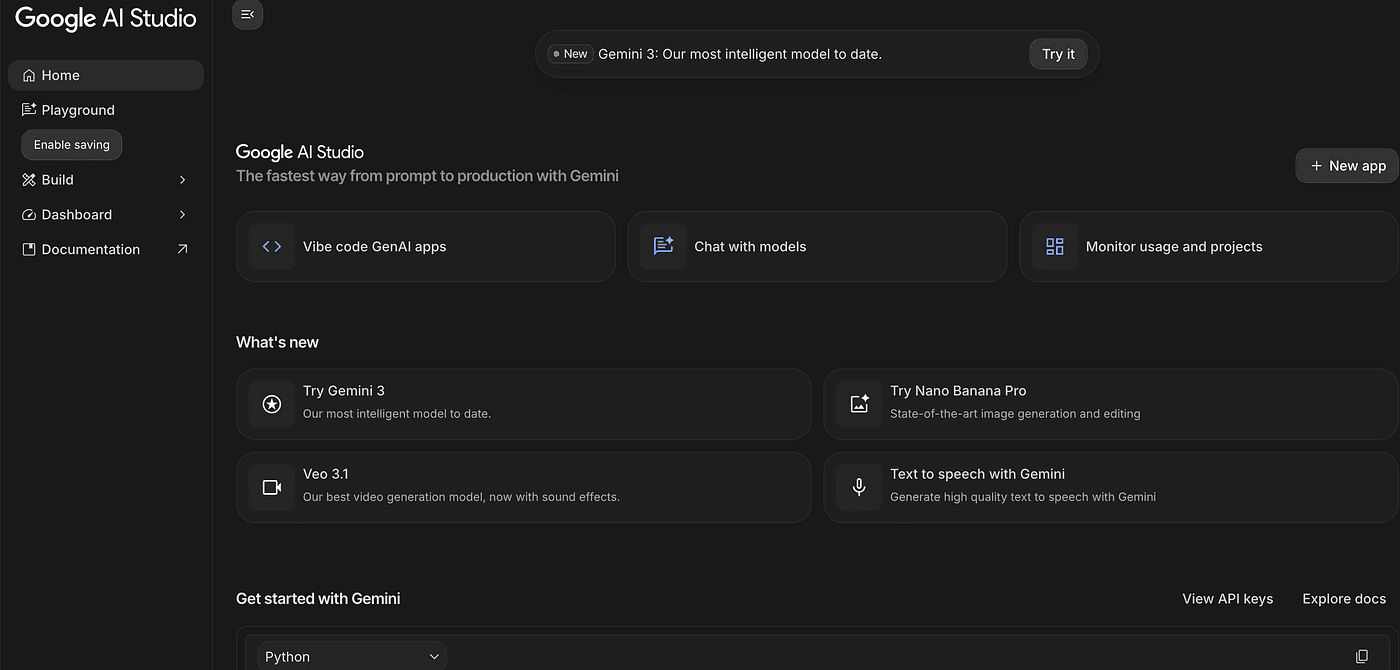
Open Google AI Studio → Nano Banana.
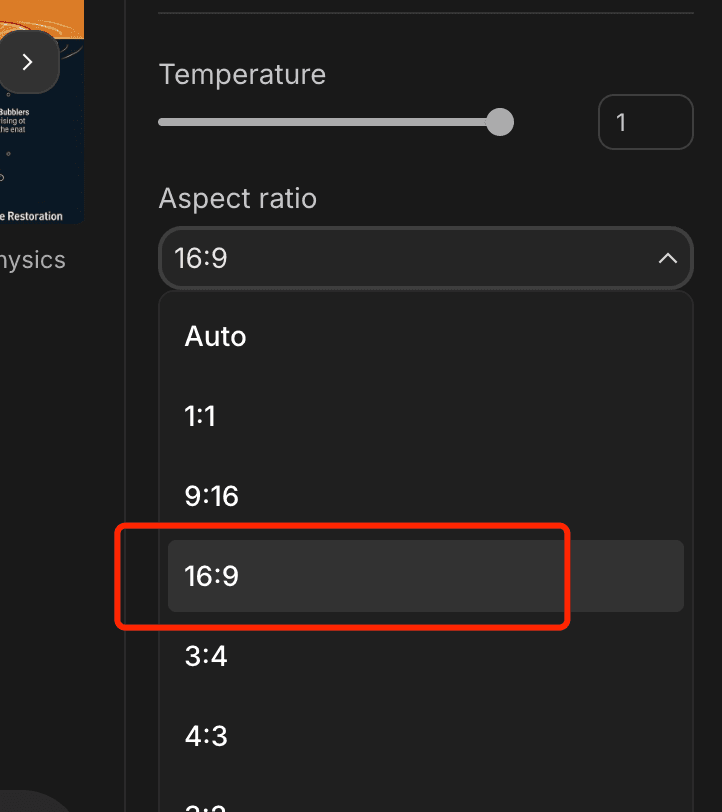
Set resolution to 16:9.
Enter your image prompt (matching your song’s mood).
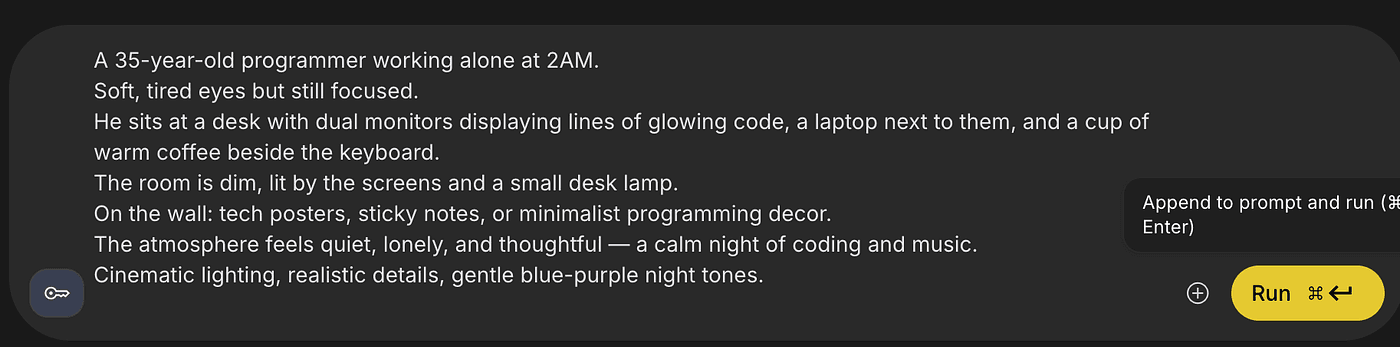
Nano Banana will do its magic.
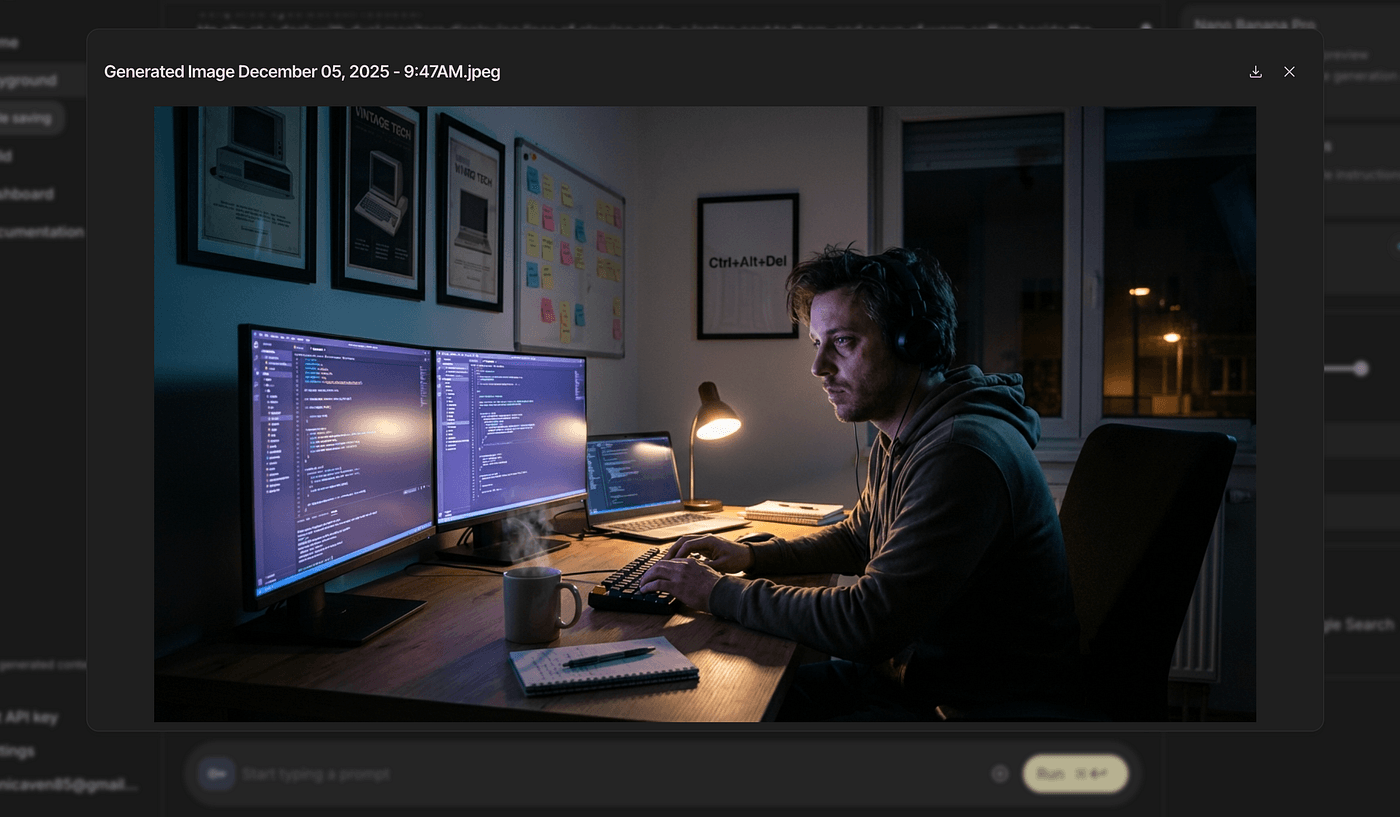
The cool part?
You can even remove the character and keep only the room or background
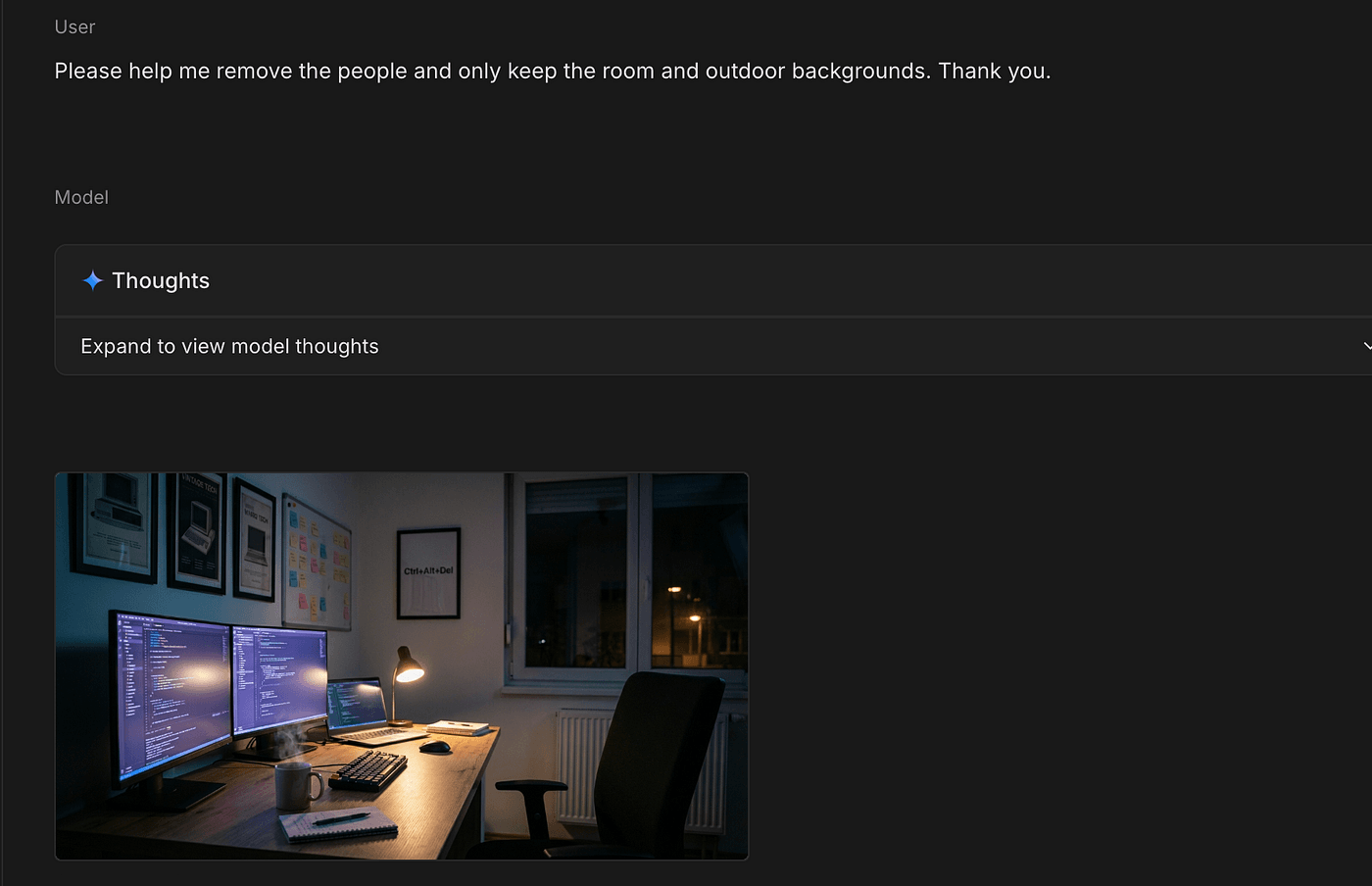
— perfect for YouTube videos where minimal visuals perform better.
But for this tutorial, I’ll keep the version with the character.
3. Create the Animation
This step is optional — but it does make your video feel alive.
Look at any big YouTube AI music channel:
Some use subtle looping animations.
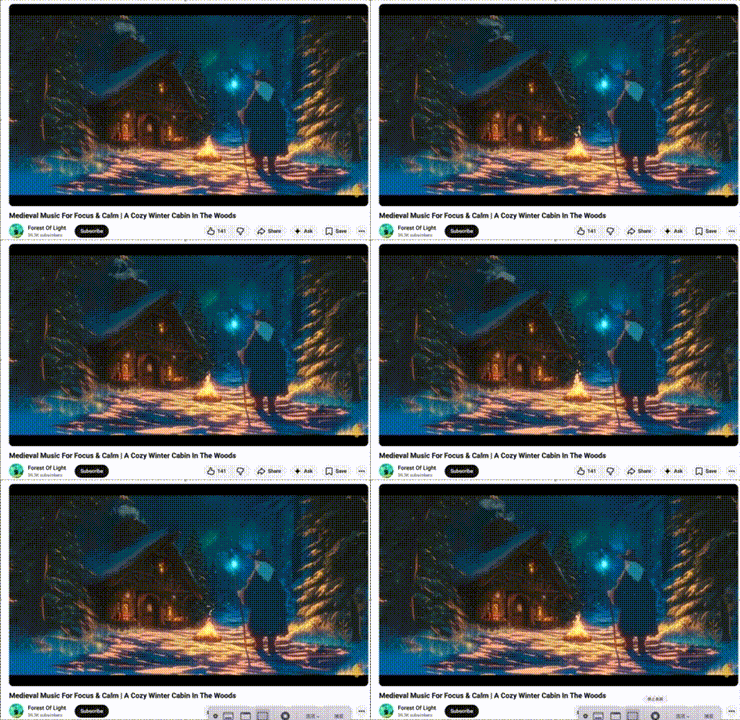
Others just use a static image.
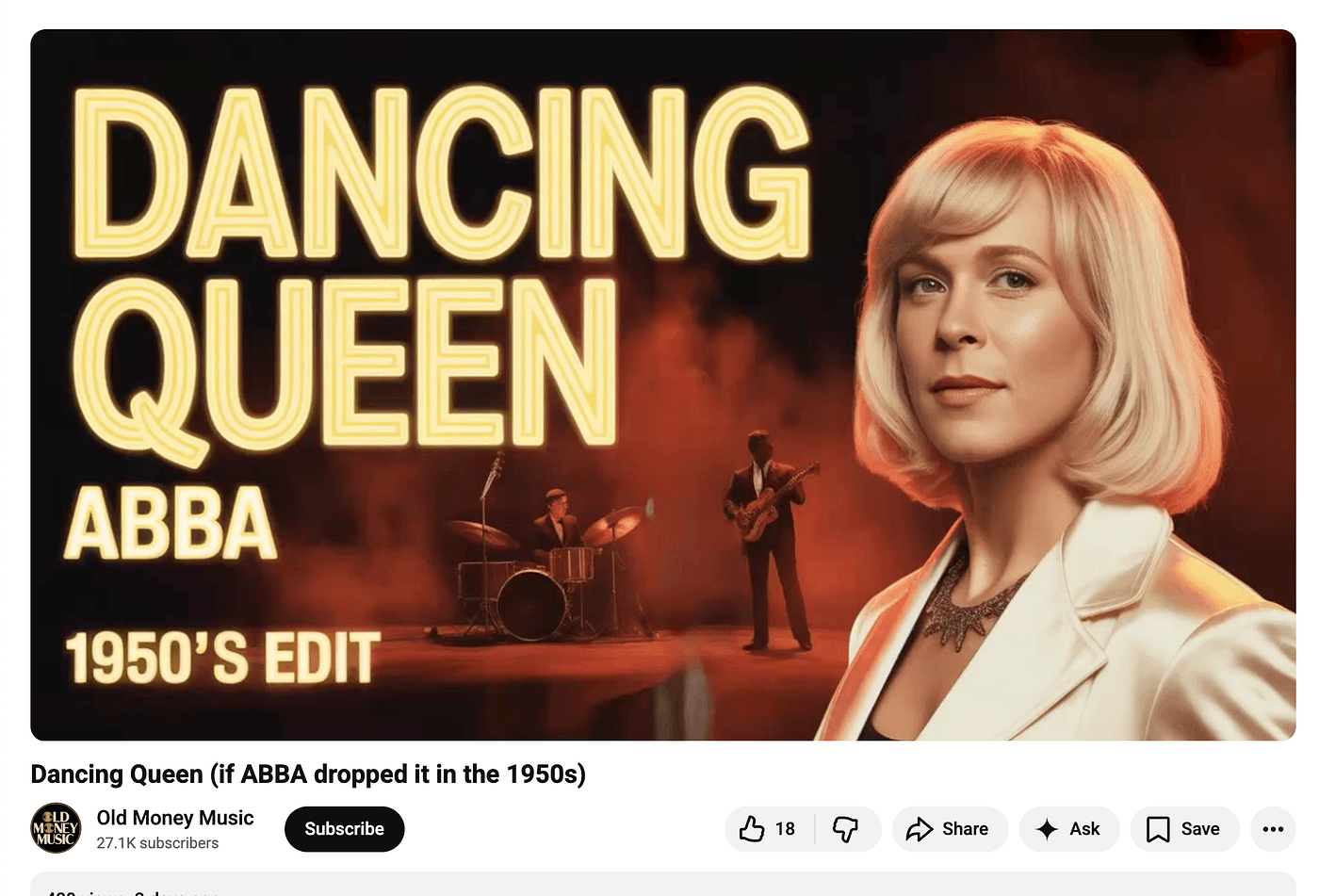
Both are fine.
If you want animation, here’s the easiest low-cost tool I’ve found: Cling.
Each animation costs about 38 cents.
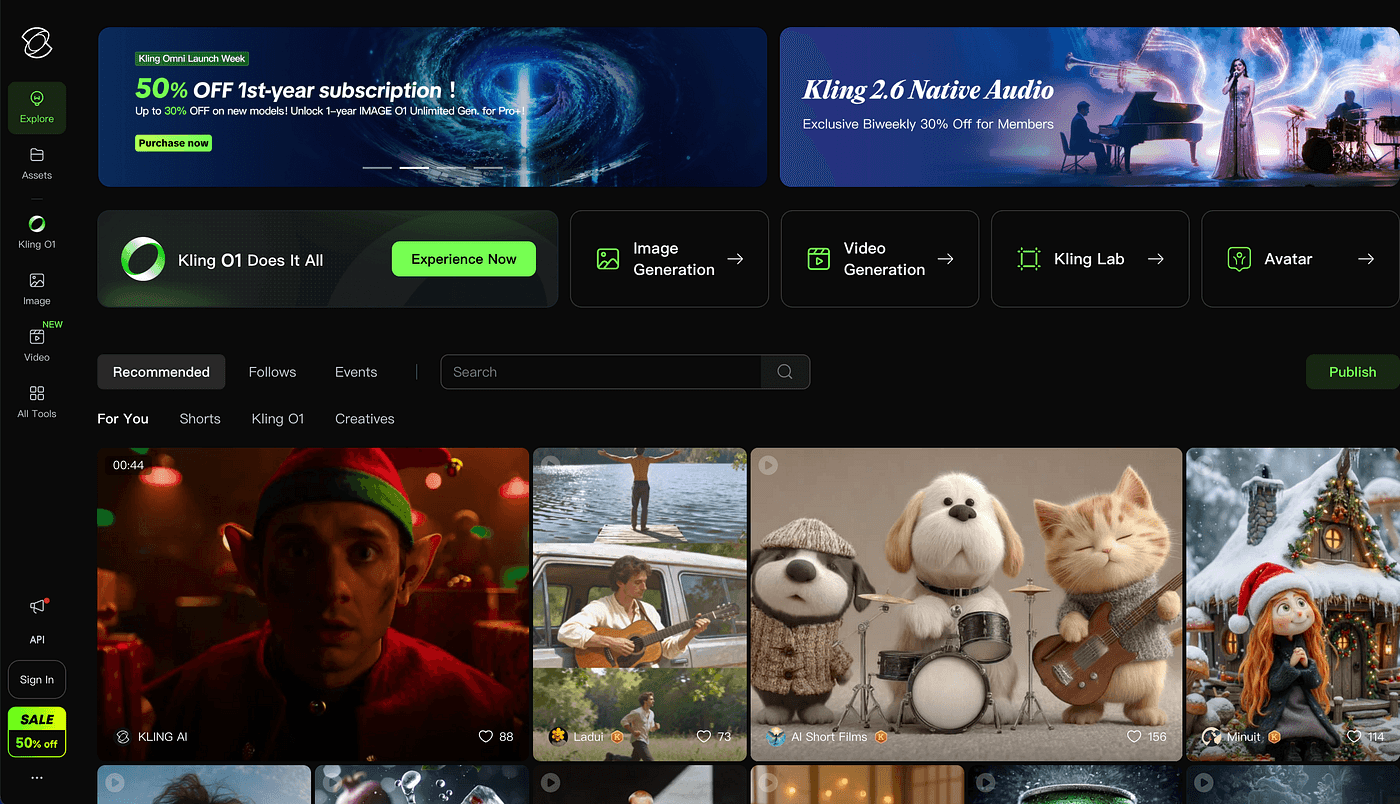
After logging in:
Click “Create video.”

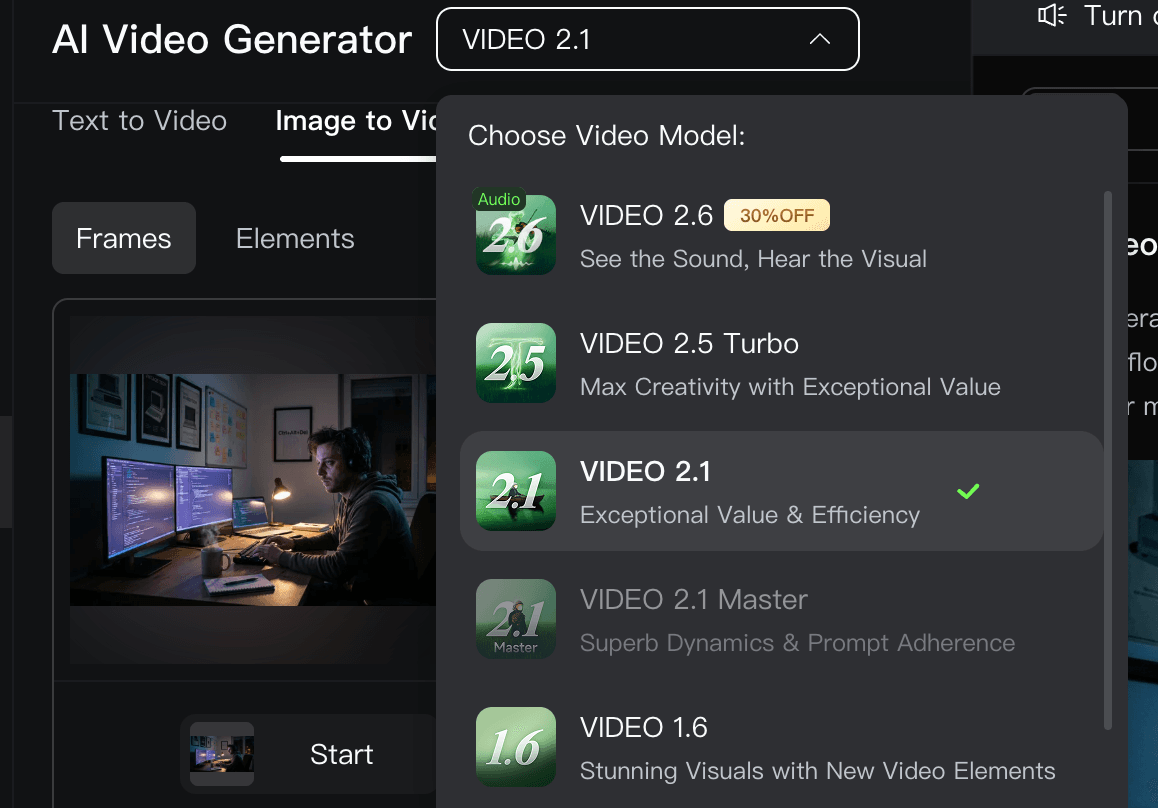
Switch the tool version to 2.1 (because it supports frame-to-frame looping).
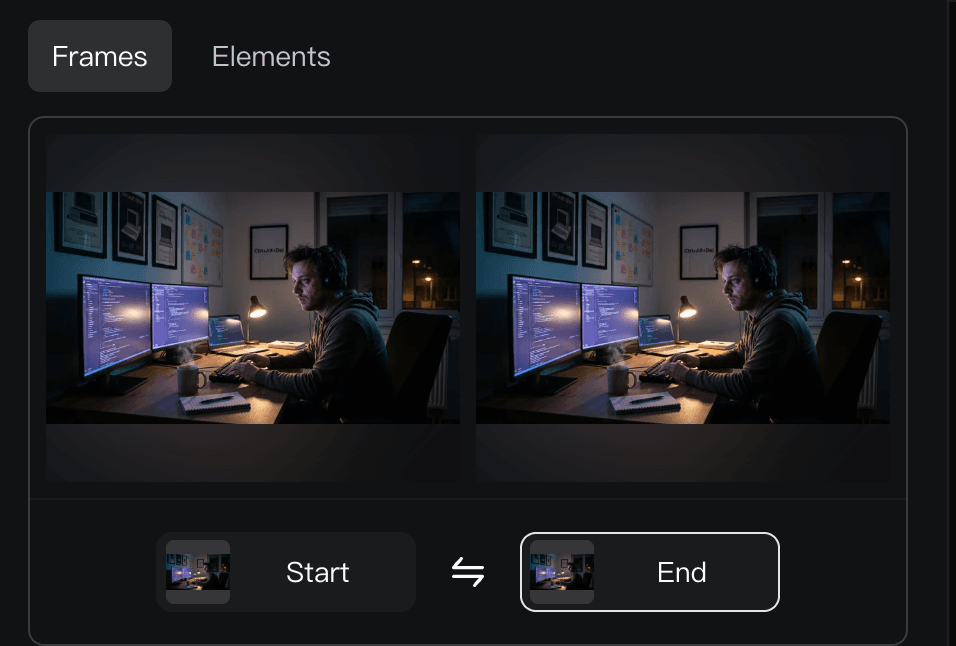
Upload your image as the first frame. Click “End ,” then upload the same image again.
Describe the animation you want in the prompt box.
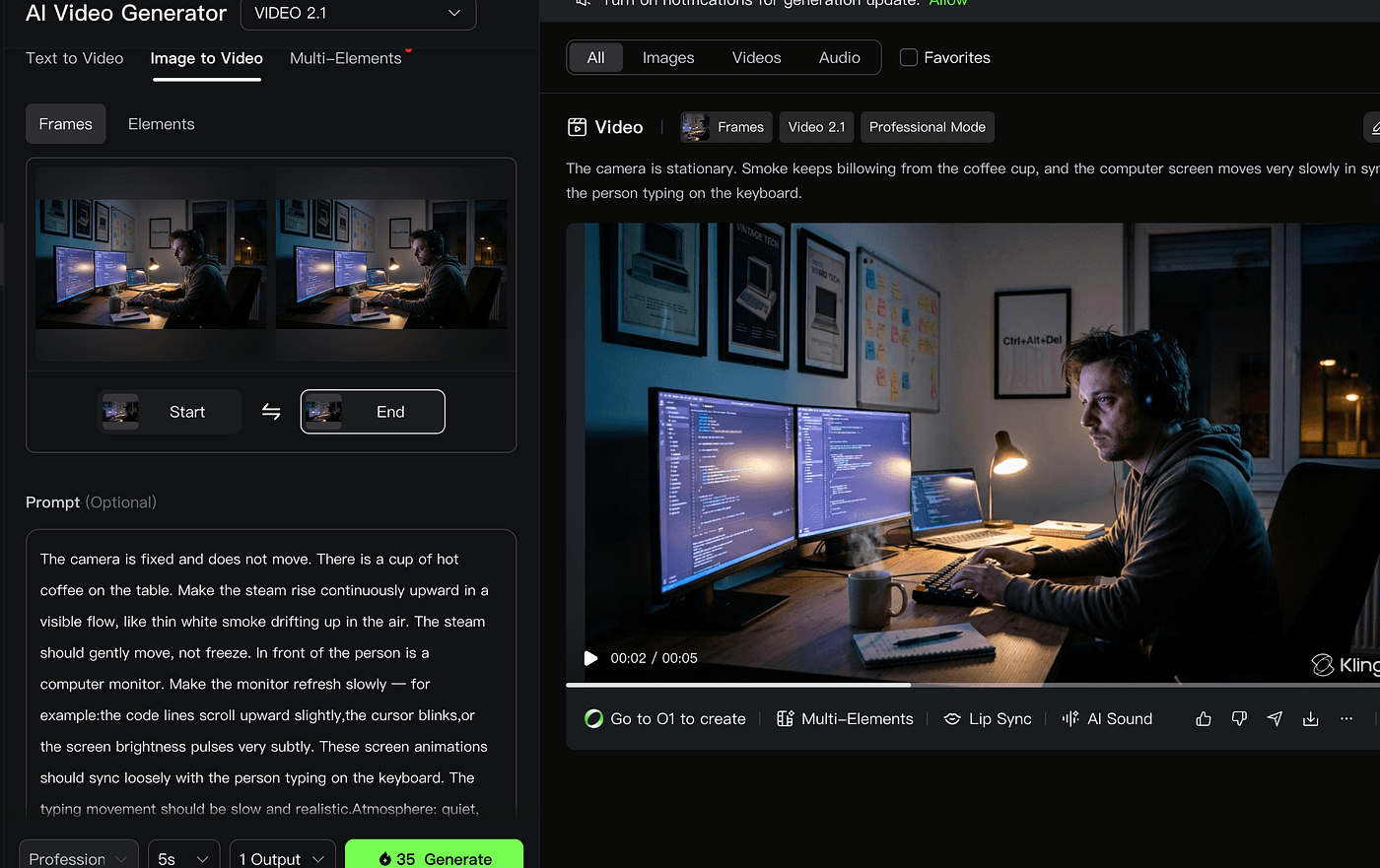
Turn off sound — your MP3 will be your audio.

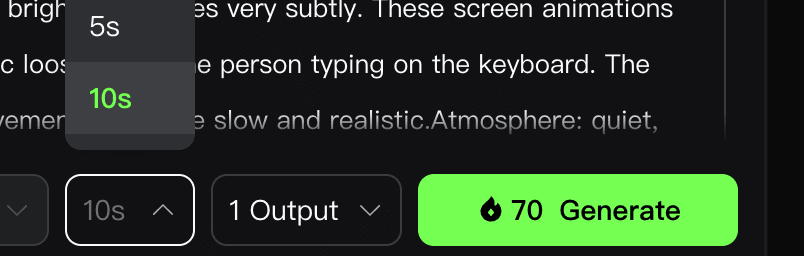
Choose the duration (5 sec = 35 credits, 10 sec = 70 credits).Click generate.
In about 3 minutes, your animation is ready.
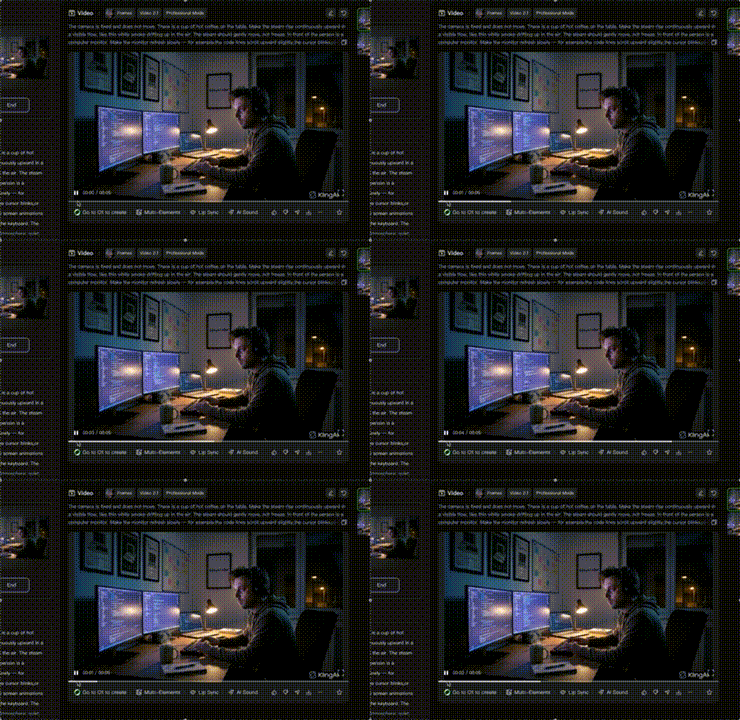
Because both frames are identical, you get a perfect loop.
You no longer need expensive animators.
A $7 Cling subscription gives you 660 credits — enough for 9–18 looping backgrounds, meaning each video costs as low as 38–77 cents.
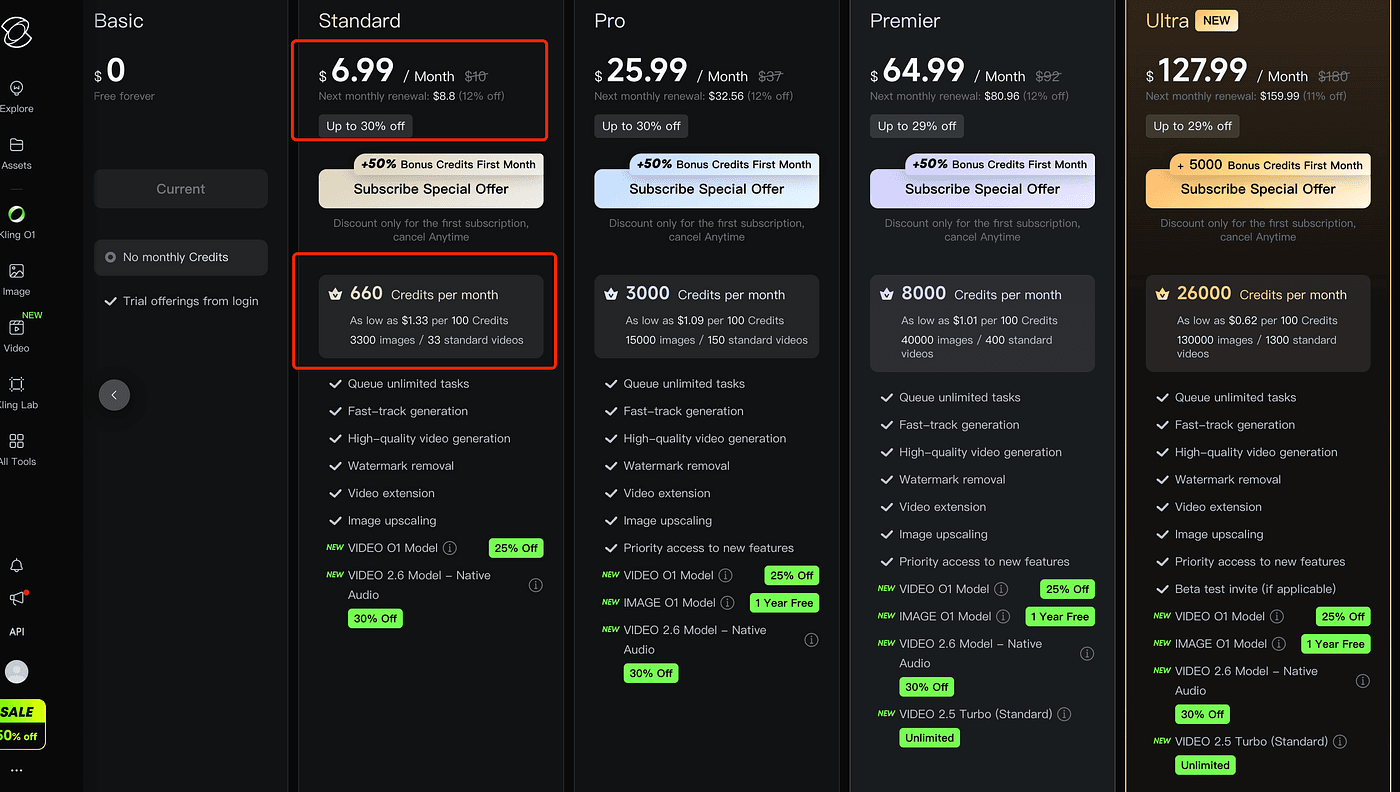
AI made animation dirt cheap.
4. Create Your Final Video
Now let’s assemble everything.
Any video editor works — Premiere, DaVinci, whatever.
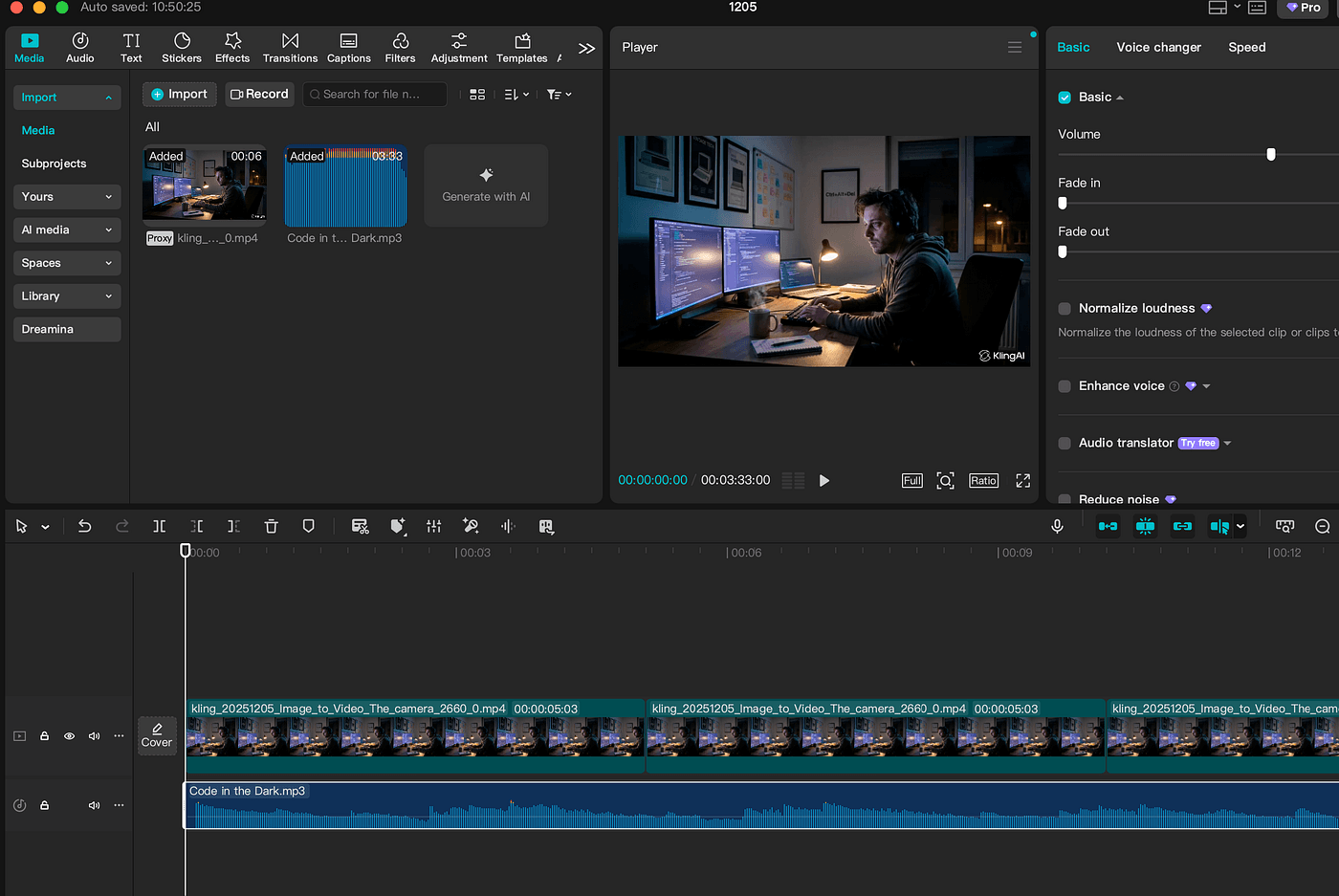
I personally use CapCut because it’s fast and free.
Steps:
- Create a new project.
- Import your MP3 and your background image/animation.
- Drag them onto the timeline.
- Stretch the animation (or static image) to match the length of your song.
- Export.
That’s it.
In about 5 minutes, you’ve created a looping AI music video you can listen to while coding at night — or upload to YouTube.
Final Thoughts
Right now, YouTube is flooded with massive “study/lofi” music channels — and for good reason:
- The music is repetitive
- The visuals barely move
- The videos run for HOURS
- And viewers keep them on while they work, study, or sleep
Meaning: huge watch time → huge revenue.
You can:
- create one short track
- loop it
- upload a 1-hour, 3-hour, or even 8-hour version
- and let viewers play it in the background
That’s how channels explode today.
Not from flashy editing.
Not from genius marketing.
Just consistent uploads + long watch time + simple visuals.
And now you can do all of this with free tools.
If you’ve ever wanted to build a YouTube channel quietly, without showing your face, without endless editing, without spending hundreds —
This is your sign.
Start with one song.
One image.
One loop.
And see where it takes you.