
15 Years of Coding Taught Me This: These 6 Free Tools Deserve a Spot in Your Stack
Stop paying for tools you can get for free.

After years of coding — and especially in the age of AI — there’s no excuse to burn cash on every shiny dev tool that promises speed. Trust me, I’ve been there. Fancy IDEs. Sleek API clients. Beautiful UI kits. I thought money would make me faster.
But here’s what I’ve learned working with real clients on real projects:
Most paid dev tools have free versions — or even better open-source alternatives.
So why not save your budget for things that truly matter?
Today, I’m sharing 6 of my favorite free replacements that deserve a spot in your stack.
1. Hoppscotch instead of Postman
Hoppscotch is a fully open-source API development and testing platform — and yes, it does almost everything Postman does.
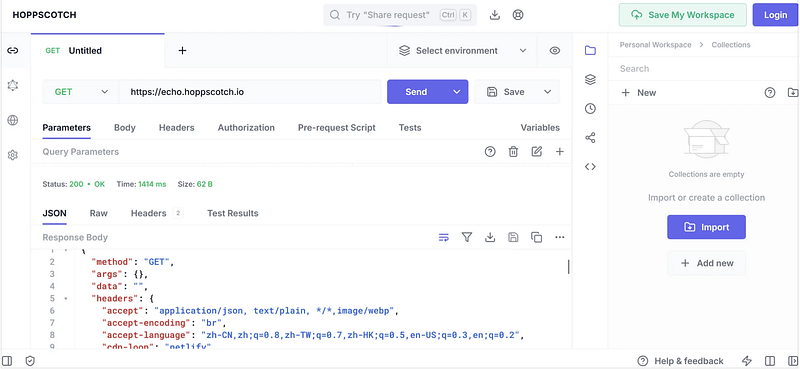
But here’s the kicker: you don’t even need an account to use it. You can open Hoppscotch right in your browser and start testing APIs immediately. No downloads. No signup. It also offers a desktop client if you prefer that, but it’s optional.
Even better, Hoppscotch allows unlimited collaborators in a workspace — totally free. Postman? Their free plan caps you at 3 collaborators.
So whether you’re working solo or in a team, Hoppscotch makes API testing faster, leaner, and simpler.
2. VS Code instead of JetBrains IDEs
Visual Studio Code (VS Code) is a lightweight but powerful source code editor backed by Microsoft. It’s open-source, fast, and packed with one of the largest extension ecosystems out there.
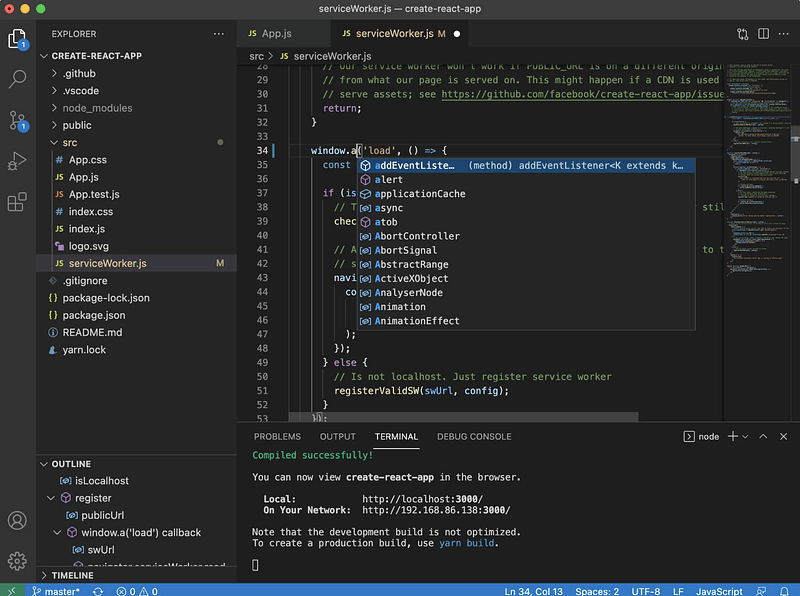
JetBrains IDEs are great — especially for beginners who want out-of-the-box convenience. They come preloaded with rich features, intuitive interfaces, and minimal setup. If you’re new to coding, that can be a blessing.
But if you want speed and flexibility? VS Code wins.
I’ve used IntelliJ and WebStorm on machines with 64GB RAM and 8-core CPUs — and still ran into freezing and lag after long hours. Fans would spin like jet engines. VS Code? I can run multiple windows with heavy plugins and barely feel it.
Sure, it takes more effort to configure extensions and shortcuts. But once you’ve tailored it to your workflow, it becomes unstoppable.
3. OBS Studio instead of XSplit or Streamlabs
OBS Studio is a free and open-source powerhouse for video recording and live streaming.
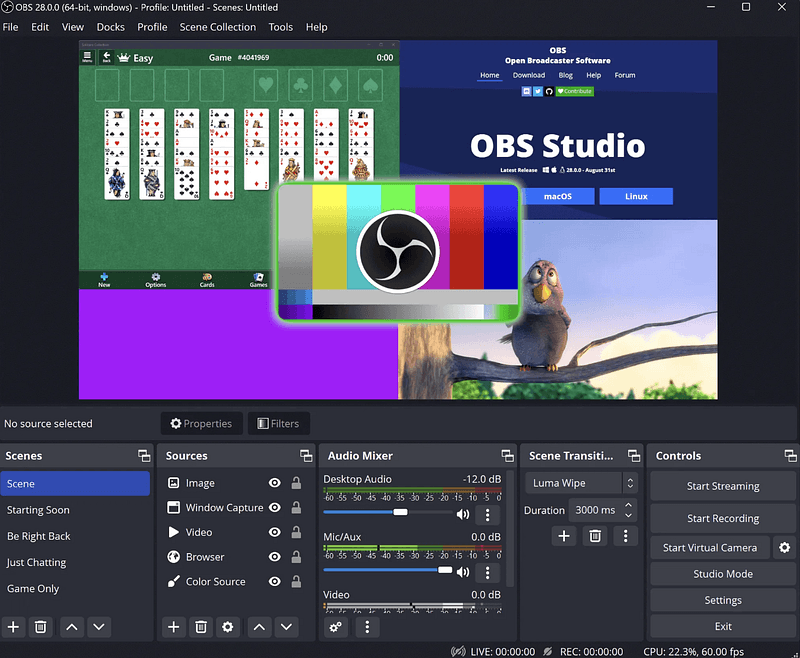
Want to record your first Python tutorial for YouTube? This tool lets you do it at zero cost. It supports streaming to Twitch, YouTube, Facebook, and more. Sure, it takes a little time to learn — but once you’ve got the hang of it, OBS becomes a permanent part of your toolkit.
And here’s the best part: OBS is incredibly efficient. Unlike many paid options that hog system resources, OBS runs smooth — even on mid-range machines.
4. Penpot instead of Figma
Penpot is a free, open-source design and prototyping tool built for teams.
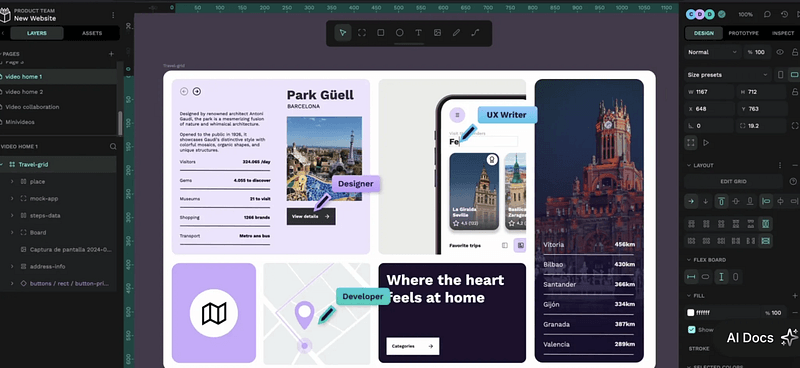
It unlocks collaboration features that Figma hides behind paywalls. Even better? You can self-host Penpot for full control over your internal design systems.
It’s a lifesaver if you’re part of a team working on in-house tools or confidential projects. You get unlimited team collaboration, access to design libraries, and control over your data — all without worrying about recurring payments or vendor lock-in.
5. Warp instead of the default terminal
I’ve used PowerShell, zsh, and iTerm. But then I found Warp — and I haven’t looked back.
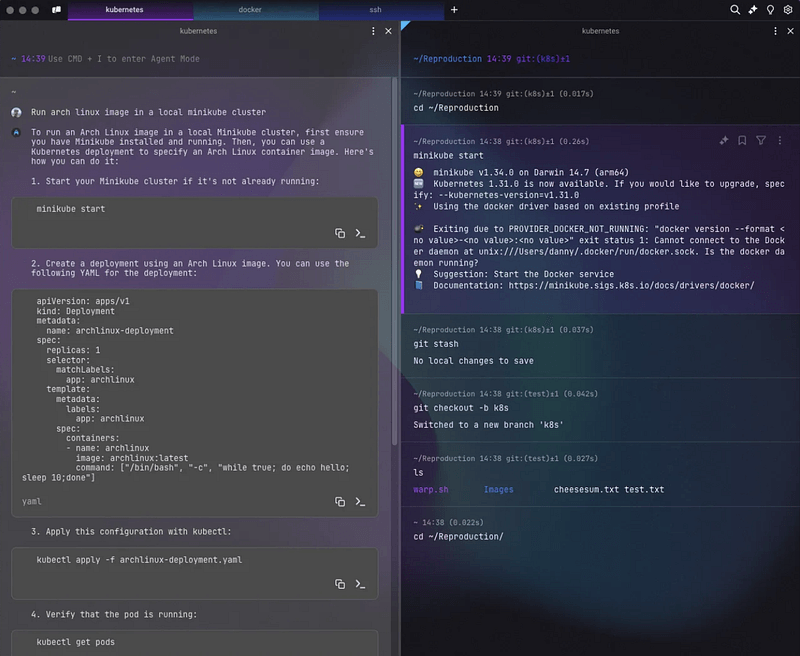
Warp is a modern terminal built with Rust. That means it’s lightning-fast, even when there’s a flood of output. No more lag. No more fan-spinning madness.
But it’s not just about speed. Warp is designed to be beautiful and user-friendly. It comes with built-in AI commands and a visual interface that makes navigating terminal sessions easier than ever. You can scroll, search, copy, and even share terminal output with teammates — all with a few clicks.
It feels like the future of command-line tools.
6. AppFlowy instead of Notion
AppFlowy is a free and open-source tool for managing notes, tasks, and projects — just like Notion.
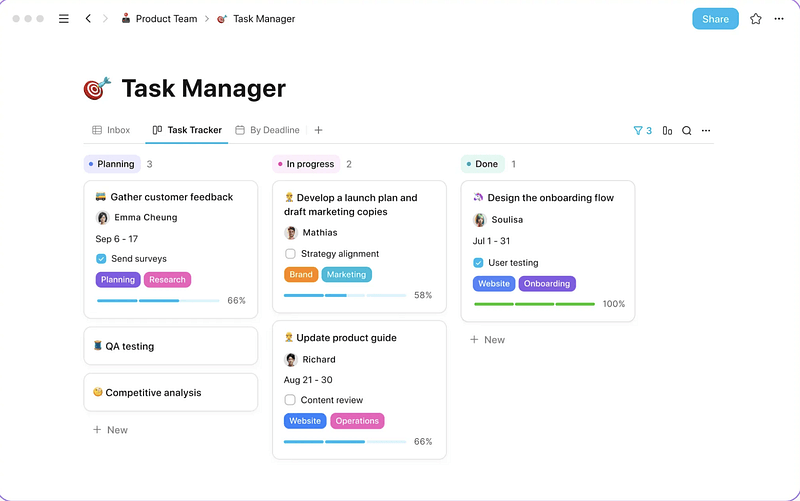
As someone who relied heavily on Notion for years, switching to AppFlowy was surprisingly smooth. It mimics Notion’s look and feel, so I didn’t need to relearn anything.
But what really sets AppFlowy apart is privacy. Your data is stored locally, not on someone else’s server. That alone gave me peace of mind. I’ve documented everything in Notion — from work to personal life to finances. Some of it’s private. Some of it’s sensitive.
If privacy matters to you, AppFlowy is worth a serious look.
Final
These tools aren’t just free. They’re battle-tested. And they’ve helped me level up my productivity without draining my wallet.
If you have any other great free developer tools — drop them in the comments. Let’s build the ultimate free stack, together.