
This isn’t another hyped-up tools list — it’s a real-world field report from an indie developer.
Just a year ago, I was pulling all-nighters over a single feature. Now, I finish two weeks’ worth of work in just two hours — thanks to AI.
No exaggeration. That’s my lived reality.
But here’s what shocked me more — 90% of developers I know still work like it’s 2015.
If you’re still hand-coding every line… Still debugging until midnight… Still wondering how those “genius coders” move so fast…
You need to see these 10 AI tools. They won’t take your job — but they will leave non-AI users in the dust.
Over the past year, I’ve tested dozens of AI tools and filtered out the 10 that actually transformed how I work.
Quick disclaimer: AI won’t replace us. But it’ll supercharge those who know how to use it.
My AI Tools (By Category)
Core Development Tools (6 Battle-Tested Picks)
These 6 are my daily must-haves:
1. Bolt.new — The Zero-Code MVP Machine
Website Link: Bolt.new
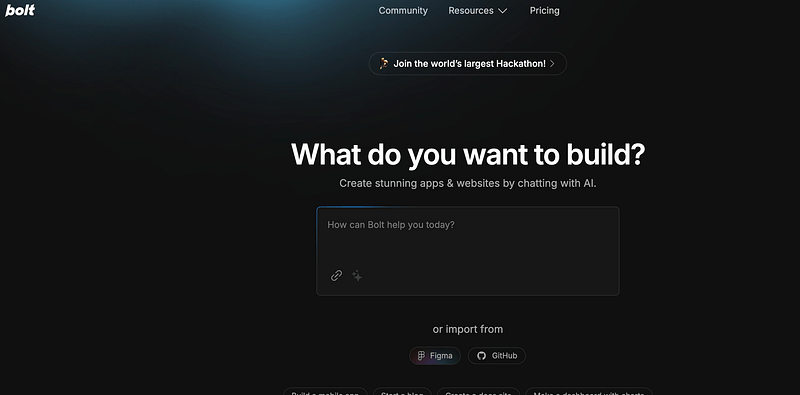
Use Case: Full App Prototyping
- Real Example: I used it to build my first AI-powered app: LookupWiz
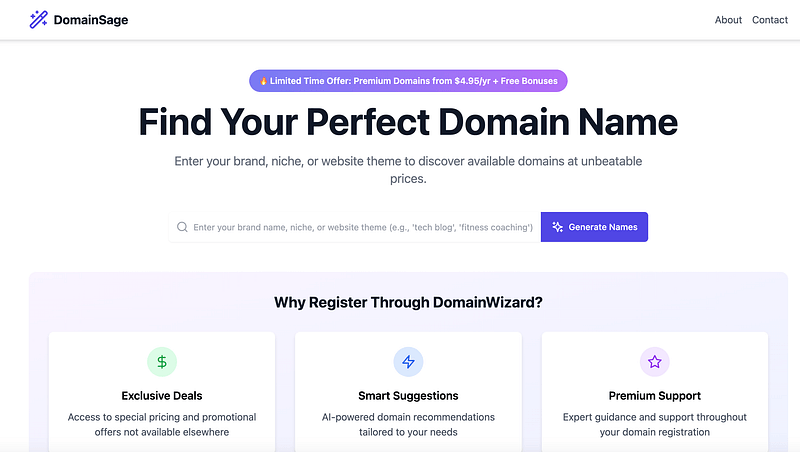
- Strength: It’s real “push-button dev.” From idea to launch in hours.
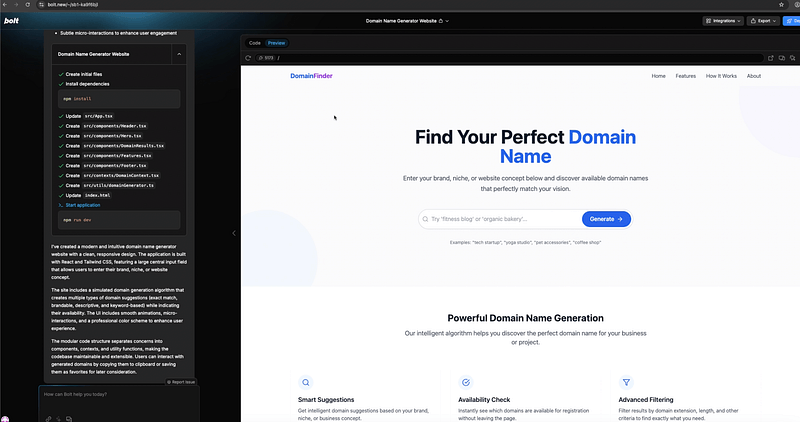
- Limit: For complex business logic, manual tweaking still needed. Best for MVPs.
Pro Tip: Great for validating ideas fast. Don’t expect it to fully replace manual coding.
2. ChatGPT — The All-Purpose Sidekick
Website Link:ChatGPT
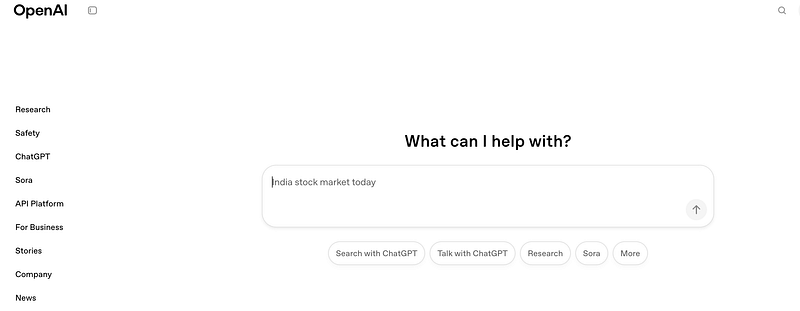
Use Case: Debugging, Learning, Brainstorming, Image Analysis
- My Experience: Whether coding or studying, it’s answered more questions than Stack Overflow.
- Early Use Case: Built a one-click Shopify builder tool before Cursor/Bolt.new existed. It didn’t launch, but it got the job done.
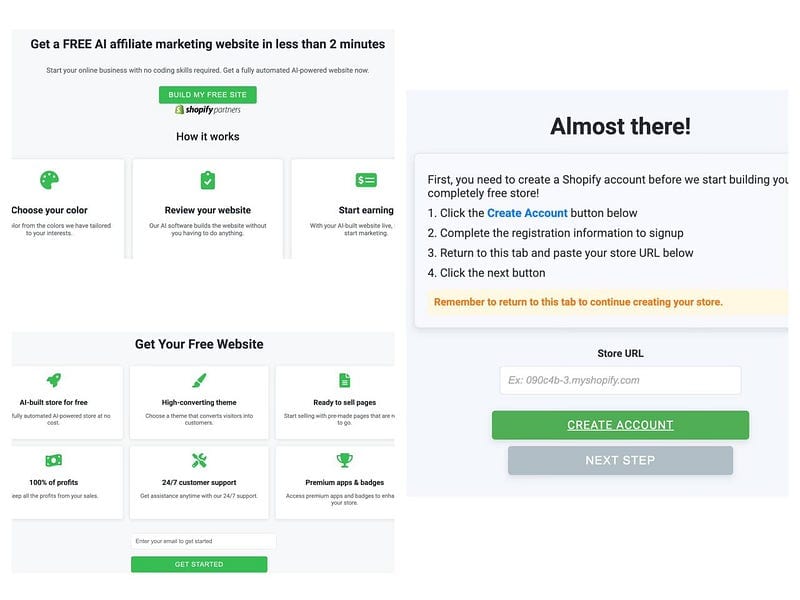
- Vision: It can understand what I want just from a screenshot. Wild.

- Core Value: Explains concepts, reviews code, teaches tech, analyzes multimodal content
- Mental Model: Think of it as your most patient mentor — it never judges dumb questions
3. Cursor — The Future of AI Coding (Must-Try!)
Website Link:Cursor
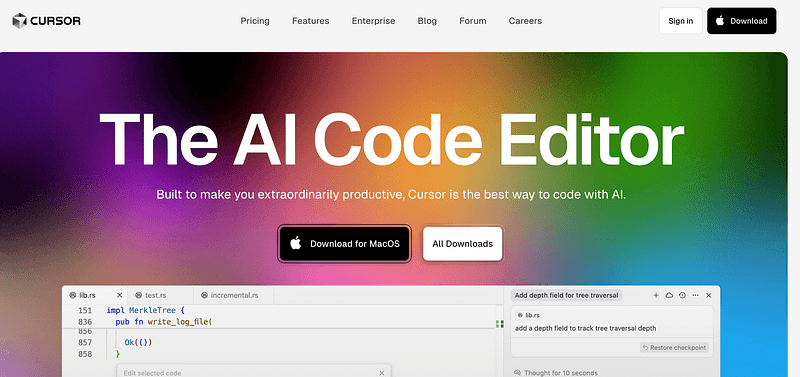
Use Case: My Main Code Editor
- Built-in Models: Claude 4, Gemini, ChatGPT, DeepSeek, Grok
- Workflow: Bolt.new for scaffolding → Cursor for refinement
- Why It’s Special: High-context understanding, smart suggestions, and granular code edits
- What Bolt.new can’t do: Cursor does — tweak, optimize, refactor
- Initial Reaction: Thought it was just a fancy VS Code. A week in? Holy shit, this is basically cheating.
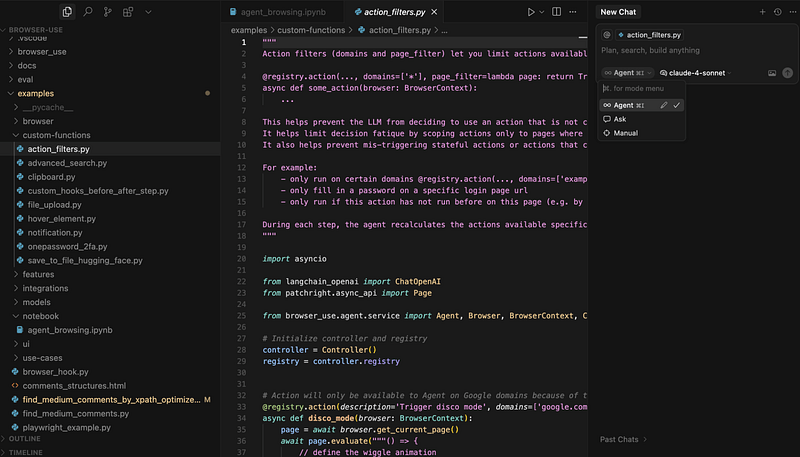
- Real Example: I used Cursor to build a security product. It’s also my go-to for micro tools.
- Flexible Help: Whether starting a new project or refactoring old ones, Cursor jumps in smoothly.
- Vs Copilot: Smarter, cleaner UI
Key Insight: Cursor is likely the best AI coding assistant right now. Invest time to master it.
4. DeepSeek — The Undisputed ROI Champ
Website Link: DeepSeek
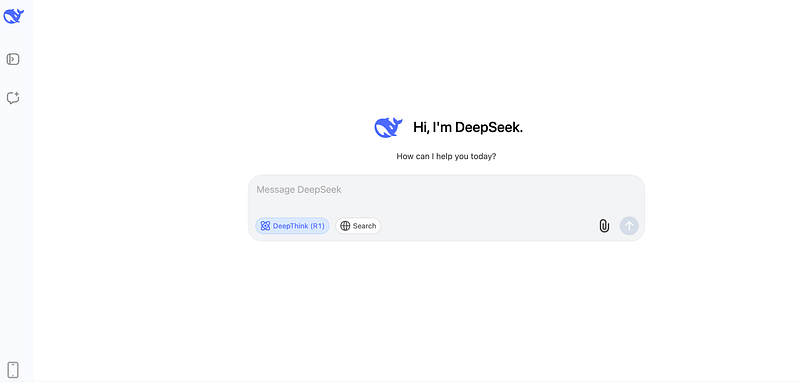
Use Case: Comparative Thinking & API-Heavy Apps
- Unique Perk: R1 mode rivals ChatGPT o1 — but free
- API Pricing: $0.27/million input tokens, $1.10/million output — 80%+ cheaper than rivals
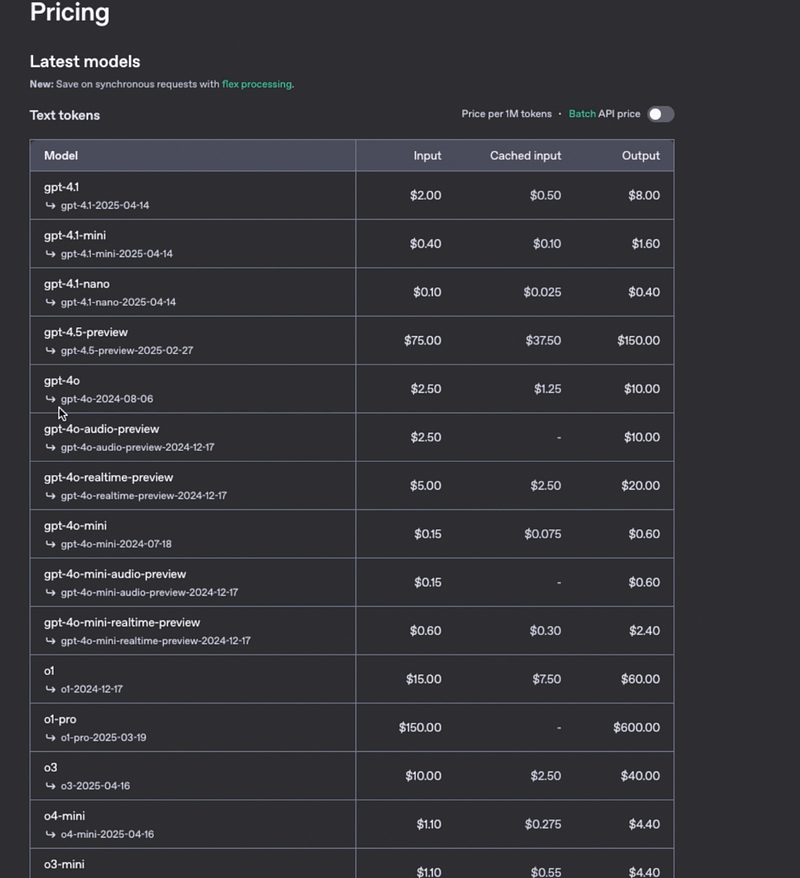
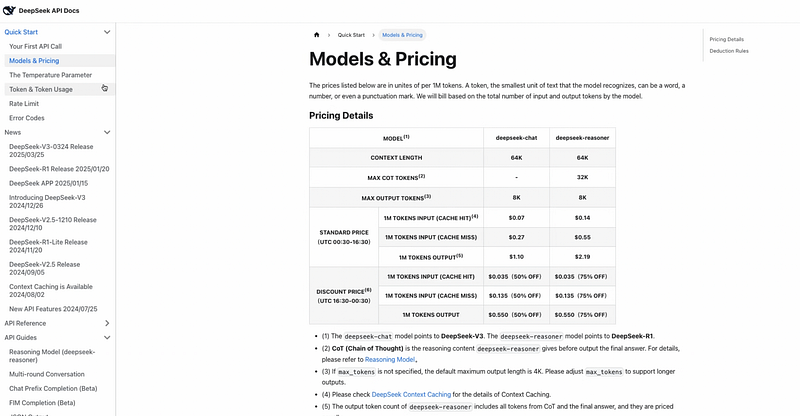
- Real Use: My LookupWiz backend runs on DeepSeek — slashed costs dramatically
- Pro Strategy: Ask ChatGPT and DeepSeek the same question, pick the better answer
- Ideal For: Deep problem solving, multiple perspectives, high-volume API tasks
5. Gemini — The YouTube Content Decoder
Website Link: Gemini

Use Case: Research for Video Scripts
- What It Does: Breaks down YouTube videos into summaries and key takeaways
- How I Use It:
- Paste video link → Get structured summary
- Pull key timestamps + insights
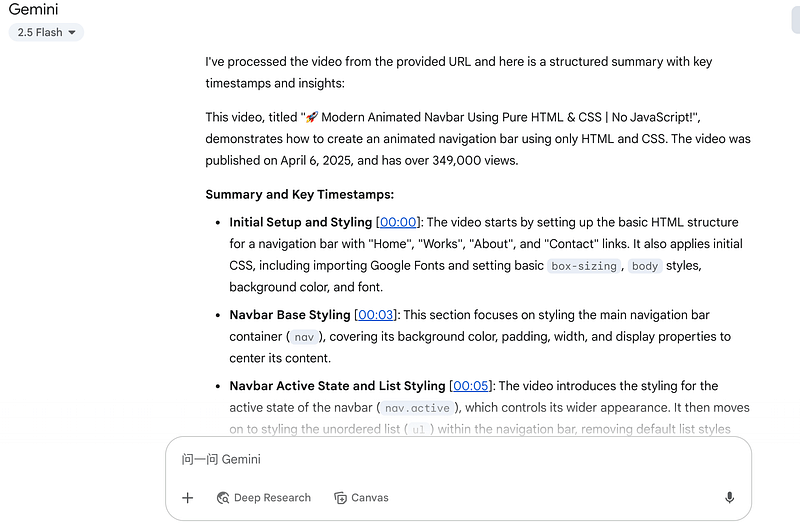
- Why It’s Unique: No other AI tool does this reliably
6. Grok — The Social Signal Amplifier
Website Link: Grok
Use Case: Trend Hunting, Content Ideation
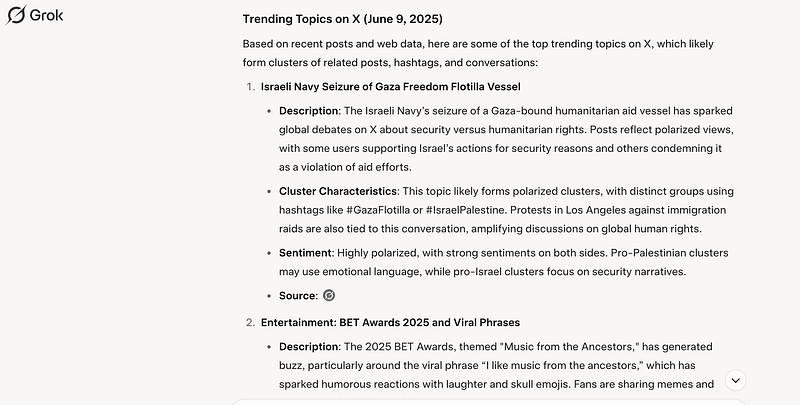
- Feature: Taps into live Twitter/X data
- Value:
- Surfaces hot topics
- Curates high-quality tweets & KOL insights
Best For: Creators, marketers, trend-spotters
High-Potential Tools (4 Community-Vetted Picks)
These 4 came highly recommended from Reddit + personal research:
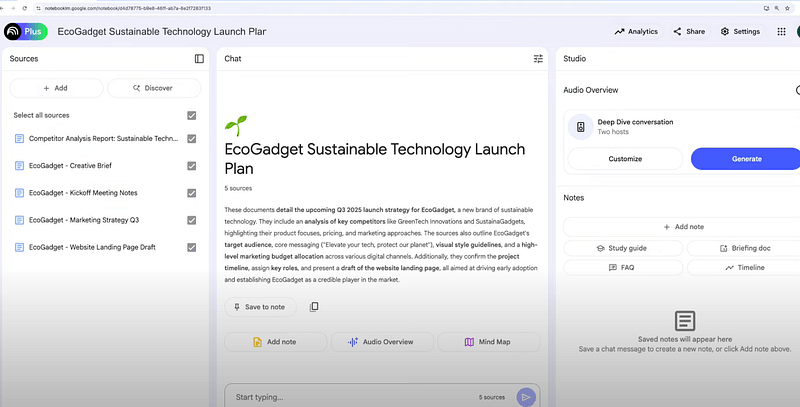
7. Notebook LLM — Google’s Quiet Powerhouse
Website Link: Notebook LLM
Background: Built by DeepMind (formerly Project Tailwind)
Verified Features:
- Upload PDFs / Docs → Chat with content
- Podcast-style audio summaries (experimental)
- Multi-source synthesis
- Experience: Great for light analysis, but struggles with complex formats
- Best For: Researchers, info-heavy workflows
Why It Matters: Turns dry documents into engaging, audio-driven learning experiences
8. Uizard AI — Sketch-to-UI in Minutes
Website Link: Uizard AI
Background: Founded 2021, now production-grade
Core Features:
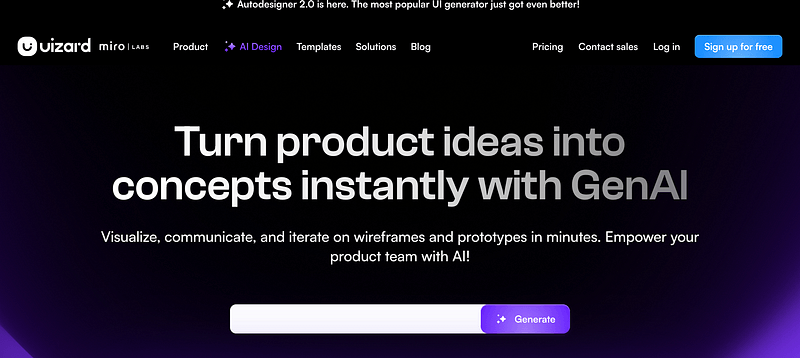
- Turn sketches or text into UI mockups

- Positioning: Like Figma Lite + AI boost
- Ideal For: Quick drafts, not full-featured UX
- User Feedback: Loved by PMs and founders for fast idea validation
- Limitation: Pro designers use it more as a rough draft tool
Why It Matters: Great for early-stage mockups & investor demos
9. Remini.ai — The Photo Time Machine
Website Link: Remini.ai

Background: Over 100M downloads on App Store/Play
Core Features:
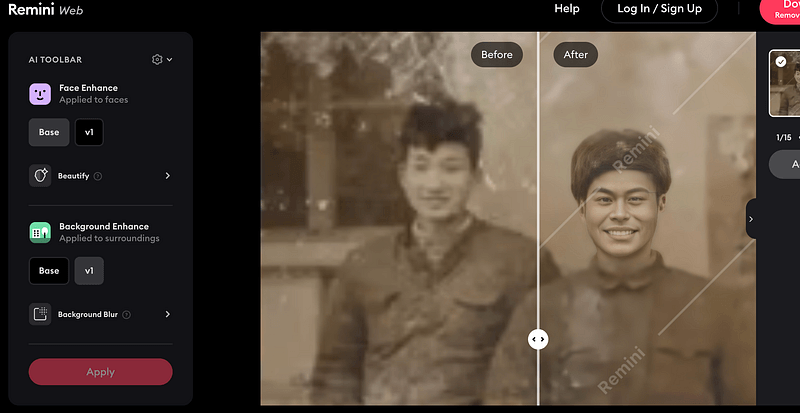
- Image upscaling, face retouching, background replacement
- Specialty: Restoring old photos with mind-blowing clarity
- Business Model: Free with ads + resolution caps; HD in paid tier
- Real Moment: I used it to restore my grandfather’s photo. My mom teared up. That good.
Why It Matters: Emotional value through tech — perfect for memory preservation
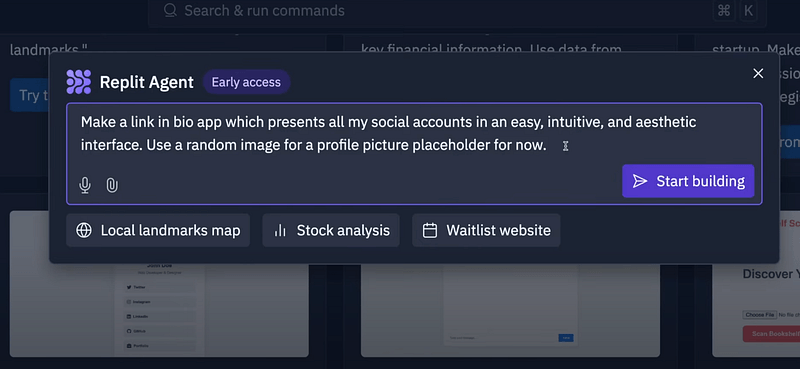
10. Replit Agent — Cloud-Based Coding Companion
Website Link:Replit Agent
Background: Replit’s new AI coding tool (2024 release)
Current State: Still early
Verified Features:
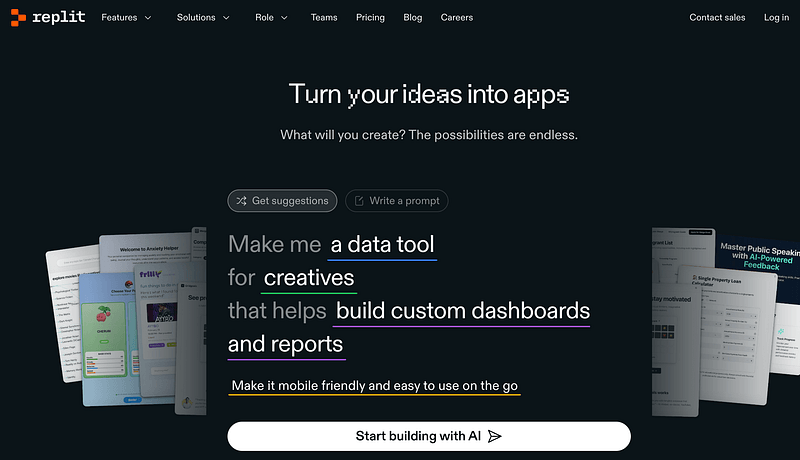
- AI-assisted debugging + cloud IDE
- Auto test execution (powered by GPT-4 variant)
- Reality Check: Still limited to specific use cases/languages
- Vs Cursor: More integrated, less customizable
- Future Potential: High — but needs time to mature
Why It Matters: Makes cloud coding more accessible, but not a dev replacement (yet)
10 AI Tools
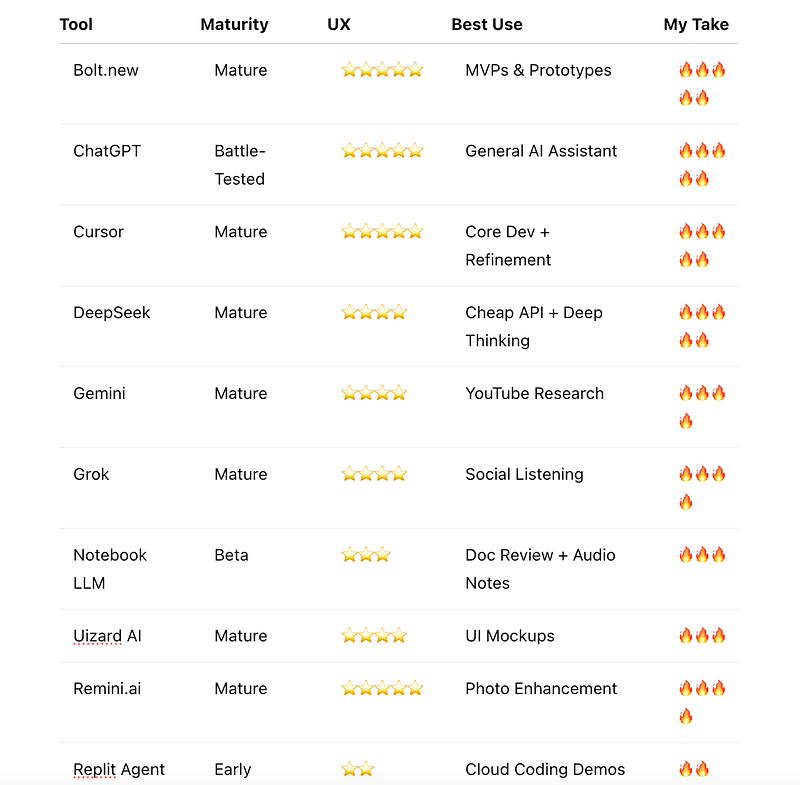
Rating Criteria
- 🔥🔥🔥🔥🔥 Must-have: Core to my workflow
- 🔥🔥🔥🔥 Highly Recommended: Great in key scenarios
- 🔥🔥🔥 Worth Watching: Useful, not essential yet
- 🔥🔥 Niche/Early: Limited or experimental
My Real Workflow
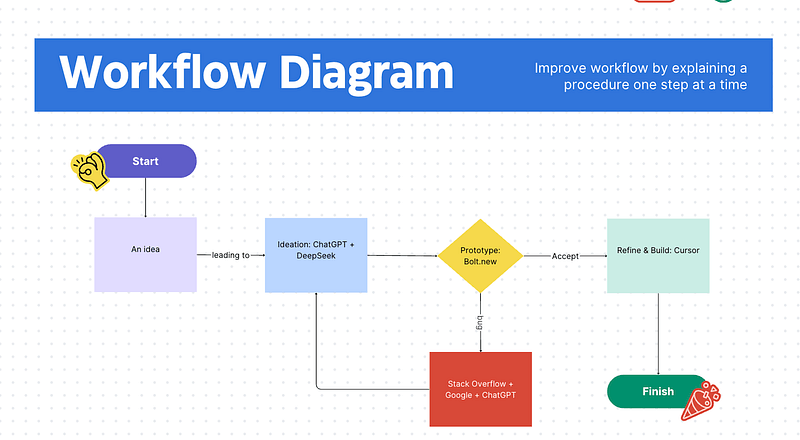
Typical Project Flow
- Ideation: ChatGPT + DeepSeek
- Prototype: Bolt.new
- Refine & Build: Cursor
Final
This AI wave is just getting started. What matters isn’t the tools themselves — it’s how you use them to bring your ideas to life.
Hope this helps you get inspired, get building, and get ahead.
If you’ve tried any AI tools yourself, drop your thoughts in the comments — I’d love to hear what’s worked for you.